Awesome Video Editor Reviews — Discover what people think of this product.

Awesome Video Editor
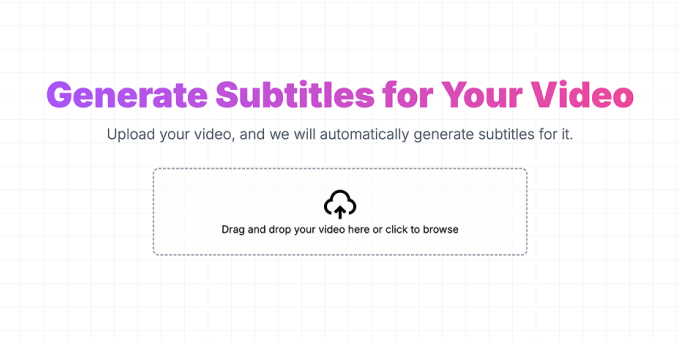
Generate Subtitles for Your Video
Awesome Video Editor makes it effortless to add accurate subtitles to your videos. Our AI-powered tool automatically transcribes speech into text, enhancing accessibility, engagement, and global reach. Customize, edit, and export subtitles in just a few clicks!
This product has been submitted for review. Learn how to skip the line .
Get Notified
- supporters
What does Awesome Video Editor help with?
Key Features
- AI-Powered Subtitles: Automatically generate accurate subtitles using advanced speech recognition.
- Multi-Language Support: Create subtitles in various languages to reach a global audience.
- Customizable Subtitles: Edit and style your captions to match your brand.
- Multiple Export Formats: Download subtitles in SRT, VTT, or embed them directly into your video.
- Fast & Efficient Processing: Generate subtitles in seconds, saving you hours of manual work.
Benefits
- Increase Engagement: Subtitles keep viewers engaged, even when watching without sound.
- Boost Accessibility: Make your content inclusive for deaf and hard-of-hearing audiences.
- Expand Global Reach: Translate subtitles into multiple languages to reach a wider audience.
- Save Time & Effort: AI-powered transcription automates the process, reducing manual work.
- Enhance Video Comprehension: Viewers can easily follow along, even in noisy environments.
Use Case
- Content Creators: Add subtitles to YouTube, TikTok, and Instagram videos to increase engagement.
- Businesses & Marketers: Improve accessibility and reach a global audience with subtitled promotional videos.
- Educators & E-Learning: Enhance online courses and tutorials with clear, readable captions.
- Podcasters & Interviews: Transcribe and subtitle audio content for better discoverability.
- Filmmakers & Video Editors: Streamline post-production by generating accurate subtitles quickly.
- Corporate & Training Videos: Ensure employees and clients understand key messages with professional subtitles.
- News & Media: Deliver accurate captions for breaking news, interviews, and documentaries.
Featured Today
Hackathon


tiun
Payments backend for indie hackers
All-in-one: Auth, payments & DB
Single command: MCP, Skills
Built for developers.
Merchant of Record. Better fees.
Join the Microlaunch builder community
Get product updates, weekly standouts, and founder deals.