This task can be performed using MailVault
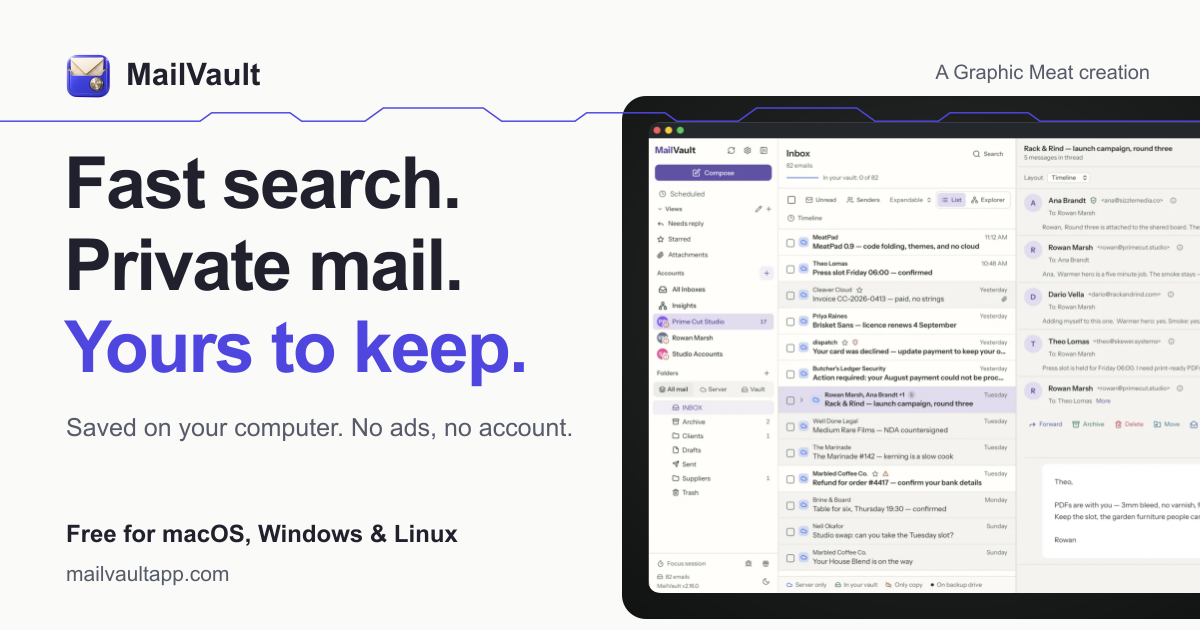
Blazing-fast email search, fully private, stored only on your computer.
Archive Sensitive Client Email
This approach suits lawyers who need to retain client correspondence without leaving every message on a provider’s server. It becomes useful when mailbox limits, slow historical searches, or confidentiality concerns start disrupting case work.
A sound email privacy workflow moves completed correspondence into a local, searchable archive while preserving the original messages. The goal is quick retrieval by matter, sender, or date, with records remaining readable even outside the original email service.
Best product for this task

MailVault
productivity
MailVault is a privacy-focused desktop email client that keeps a fast-searchable archive of your inbox on your own computer, freeing server space while preserving every message in open .eml format.
What to expect from an ideal product
- Archive stored only on the computer
- Fast search across older messages
- Open .eml files for long-term access
- Reduced mailbox server usage
- Straightforward IMAP archiving workflow
More about archive workflow
Define the process before moving large mailboxes. Decide which messages stay active, where the local archive resides, and how attorneys will verify that archived records remain searchable and readable.
- Test an IMAP backup with a small, representative mailbox first.
- Confirm archived messages open correctly in .eml format.
- Document how staff search, retrieve, and preserve messages for each matter.
More topics related to MailVault
Similar topics
- How to free email server space without deleting old messages?
- How to free mail server space without deleting old messages?
- MailVault vs Cloud Email Archives for Private Offline Search
- Best Desktop Email Client for Private Offline Inbox Search
- How to archive emails locally as searchable .eml files with MailVault?

