This task can be performed using MailVault
Blazing-fast email search, fully private, stored only on your computer.
Search email without the cloud
This setup suits anyone with years of mail, limited server space, or strict email privacy requirements. It becomes useful when remote search feels slow, internet access is unreliable, or deleting old messages would remove valuable records.
A local client copies messages to the computer, keeps them searchable offline, and lets you remove server copies when appropriate. A good outcome is quick retrieval of any archived message, less mailbox storage pressure, and files that remain accessible in open .eml format.
Best product for this task

MailVault
productivity
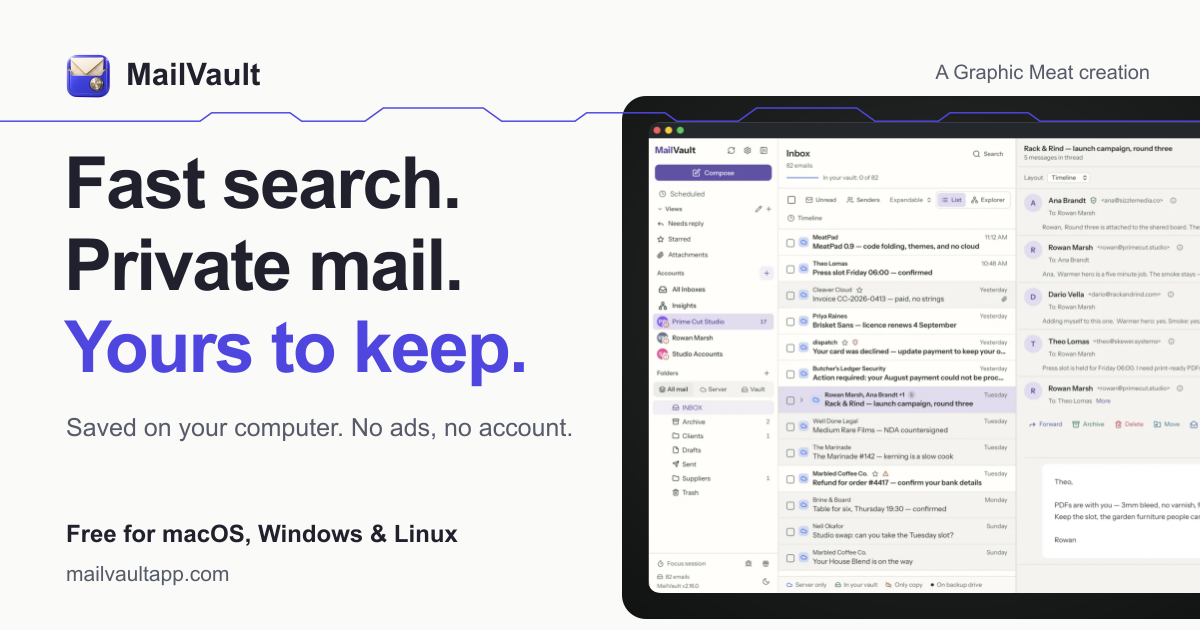
MailVault is a privacy-focused desktop email client that keeps a fast-searchable archive of your inbox on your own computer, freeing server space while preserving every message in open .eml format.
What to expect from an ideal product
- Fast local inbox search
- Offline access to archived messages
- Private on-device storage
- Portable open .eml files
- Reduced mail server storage use
More about archive workflow
Design the archive process around verification and recovery. Local storage improves control, but the archive still needs a clear completion check and a separate recovery copy.
- Complete the initial archive before removing messages from the server.
- Test searches across old and recent mail, then open several .eml files directly.
- Include the archive in a scheduled personal backup stored on another device.
More topics related to MailVault
Similar topics
- How to free email server space without deleting old messages?
- Private Email Archiving for Lawyers Handling Sensitive Client Messages
- How to free mail server space without deleting old messages?
- MailVault vs Cloud Email Archives for Private Offline Search
- How to archive emails locally as searchable .eml files with MailVault?

