This task can be performed using MailVault
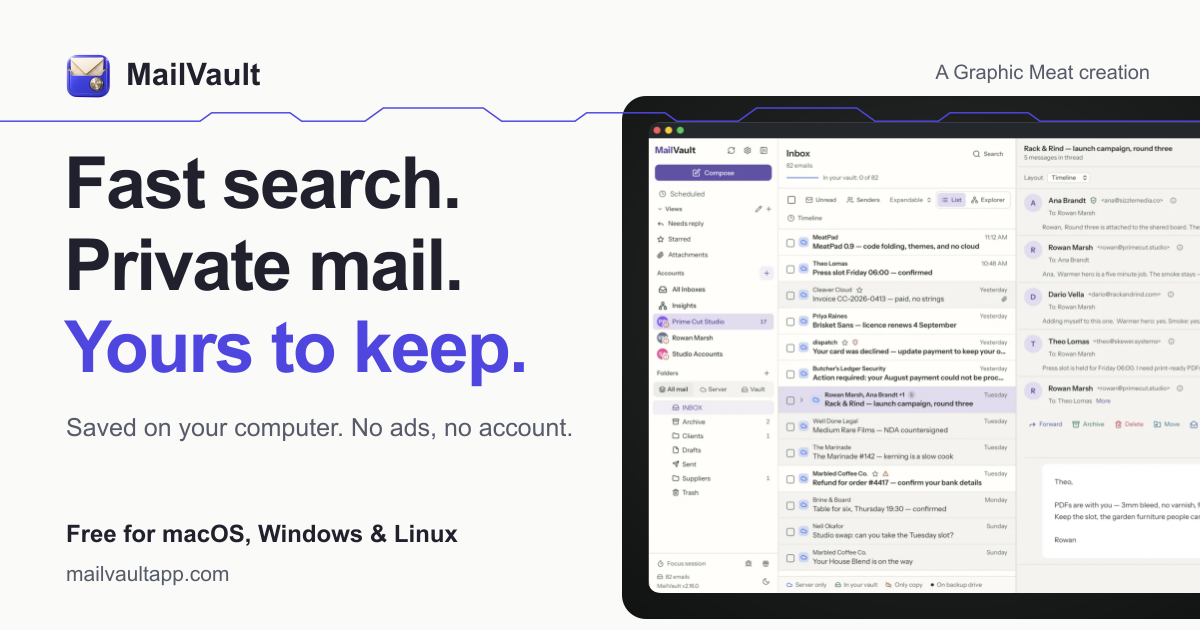
Blazing-fast email search, fully private, stored only on your computer.
Archive email before deleting
Create a local email archive on a computer with enough storage, then download the messages and attachments you want to keep. Confirm that older mail remains readable without relying on the server.
After verifying the archive, delete the corresponding server messages in manageable batches and empty the server-side trash. Because IMAP deletions can sync across devices, confirm which copy is local before removing anything.
Best product for this task

MailVault
productivity
MailVault is a privacy-focused desktop email client that keeps a fast-searchable archive of your inbox on your own computer, freeing server space while preserving every message in open .eml format.
What to expect from an ideal product
- Stores messages locally to reduce server usage
- Preserves messages in open .eml format
- Provides fast full-archive search
- Keeps email data on your computer
- Supports archiving before server deletion
More about safe deletion
Test the archive before clearing server space. Open several old messages, search by sender and date, and confirm that attachments remain accessible while the mail server is disconnected.
- Make an independent backup of the archive before the first large deletion.
- Delete one small date range, then confirm server storage decreases.
- Check trash, spam, and sent folders because they may count toward the quota.
More topics related to MailVault
Similar topics
- Private Email Archiving for Lawyers Handling Sensitive Client Messages
- How to free mail server space without deleting old messages?
- MailVault vs Cloud Email Archives for Private Offline Search
- Best Desktop Email Client for Private Offline Inbox Search
- How to archive emails locally as searchable .eml files with MailVault?

