This task can be performed using MailVault
Blazing-fast email search, fully private, stored only on your computer.
Search email without the cloud
This approach suits people with years of messages, limited mailbox space, or strict email privacy requirements. The trigger is usually slow server search, rising storage use, or a need to retrieve old correspondence without sending archive data to another provider.
The improved workflow is simple: copy messages to a desktop archive, retain them in an open format, then search locally when needed. A good outcome is fast retrieval, less server storage pressure, and continued access when the cloud account is unavailable.
Best product for this task

MailVault
productivity
MailVault is a privacy-focused desktop email client that keeps a fast-searchable archive of your inbox on your own computer, freeing server space while preserving every message in open .eml format.
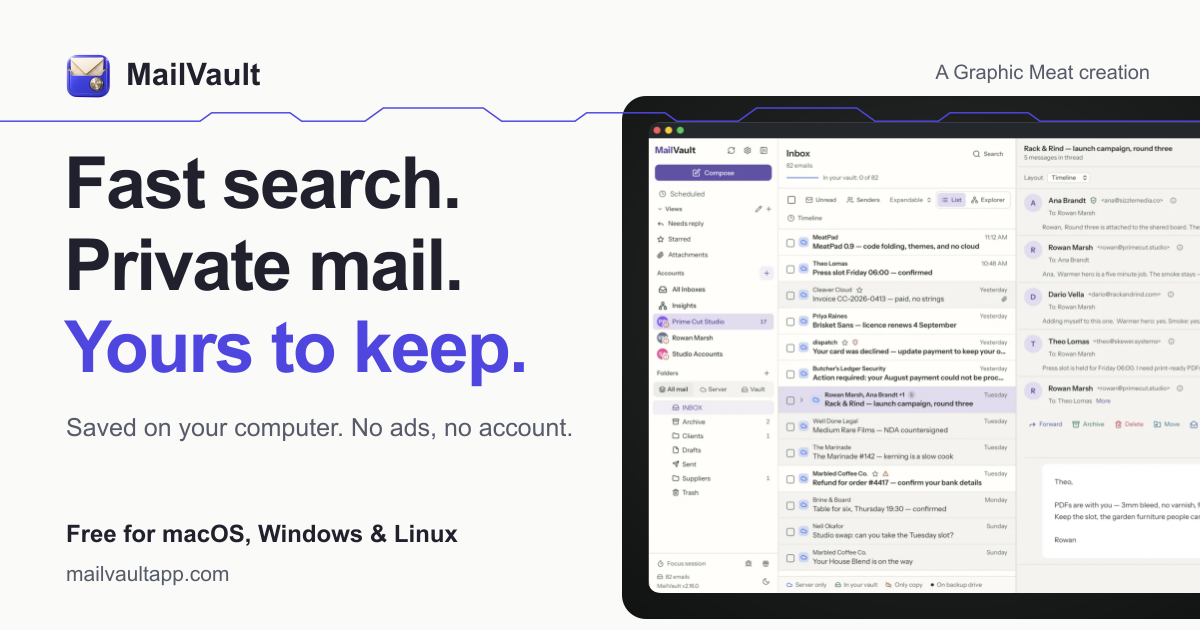
What to expect from an ideal product
- Local-only archive storage
- Fast search across years of email
- Open .eml message storage
- Reduced dependence on server capacity
- Offline access to archived messages
More about archive rollout
Treat the first archive as a controlled migration, not a deletion project. Verify coverage and retrieval before removing anything from the mail server.
- Create a separate IMAP backup before the first cleanup.
- Test searches using known senders, dates, and exact phrases.
- Open a sample of .eml files outside the archive to confirm portability.
More topics related to MailVault
Similar topics
- How to free email server space without deleting old messages?
- Private Email Archiving for Lawyers Handling Sensitive Client Messages
- How to free mail server space without deleting old messages?
- Best Desktop Email Client for Private Offline Inbox Search
- How to archive emails locally as searchable .eml files with MailVault?

