This task can be performed using MailVault
Blazing-fast email search, fully private, stored only on your computer.
Archive Email on Your Computer
Local email archiving suits people who need to retain years of messages without leaving them on an email server or uploading another copy to a cloud provider. It is especially useful when mailbox limits, confidentiality, or unreliable internet access trigger a change.
The workflow is simple: download messages through an email archiver, verify the local archive, then remove older server copies according to your retention needs. A good result is complete, fast offline search, readable message files, and less server storage use.
Best product for this task

MailVault
productivity
MailVault is a privacy-focused desktop email client that keeps a fast-searchable archive of your inbox on your own computer, freeing server space while preserving every message in open .eml format.
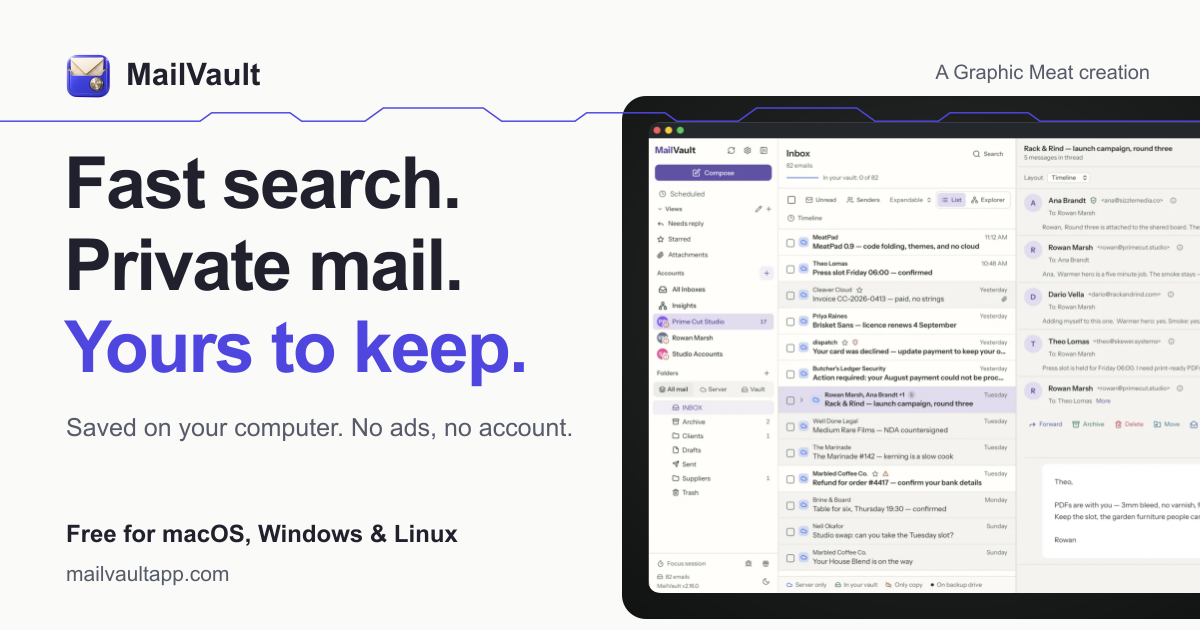
What to expect from an ideal product
- Local-only message storage
- Fast offline search
- Open .eml file portability
- Reduced email server usage
- No third-party archive provider
More about protecting local archives
Because local storage creates a single-device risk, include the archive in your personal backup plan before deleting server copies. Test recovery as well as routine search.
- Confirm downloaded message counts before removing anything from the server.
- Back up the computer to a separate, securely stored drive.
- Open sample .eml files and run a recovery test.
More topics related to MailVault
Similar topics
- How to free email server space without deleting old messages?
- Private Email Archiving for Lawyers Handling Sensitive Client Messages
- How to free mail server space without deleting old messages?
- MailVault vs Cloud Email Archives for Private Offline Search
- Best Desktop Email Client for Private Offline Inbox Search

