This task can be performed using BioSnap AI
No photoshoot? No problem. AI delivers flawless headshots.
Turn selfies into headshots
Start with several recent selfies taken in soft, even light. Face the camera directly, keep your full face visible, and avoid filters, sunglasses, heavy shadows, or busy backgrounds.
Upload the clearest images to an AI headshot generator, then choose a polished style suitable for LinkedIn. Compare the results for facial accuracy, natural skin texture, tidy framing, appropriate clothing, and realistic lighting before selecting one.
Best product for this task
Tired of bad profile pics? BioSnap AI turns selfies into studio-quality headshots in seconds - perfect for LinkedIn, resume or Social Media. No photoshoots, no hassle - just upload, customize, and get a polished, pro-looking shot with perfect lighting.
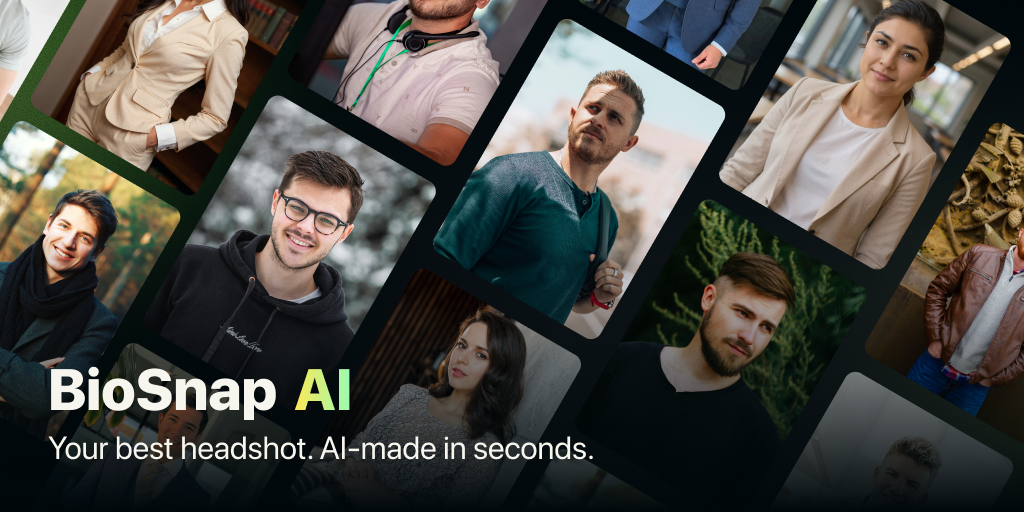
What to expect from an ideal product
- Upload any selfie from your phone and let the AI automatically adjust lighting, remove shadows, and enhance image quality to match professional headshot standards
- Choose from different background options and styling preferences to create a polished look that fits LinkedIn's professional atmosphere without booking expensive photography sessions
- Get instant results in seconds rather than waiting weeks for photographer appointments, editing, and final delivery of traditional headshots
- Save hundreds of dollars on professional photography while still getting crisp, high-resolution images suitable for career profiles and business networking
- Fine-tune details like brightness, contrast, and cropping to ensure your headshot looks natural and represents you authentically across all professional platforms
More about source photo quality
A professional photo starts with a clear source image. Choose a recent selfie that looks like you, because blur, filters, or harsh shadows can carry into the generated headshot.
- Use sharp, front-facing photos with neutral expressions.
- Include a few angles, but keep your appearance consistent.
- Reject results that alter distinctive facial features.
More topics related to BioSnap AI
Similar topics
- Create Professional Resume Headshots From Selfies With BioSnap AI
- How to Turn Selfies Into Professional Headshots Without a Photoshoot
- How to get professional headshots without hiring a photographer
- How to create studio-quality headshots with perfect lighting at home
- How to Create a LinkedIn Headshot That Looks Professional and Natural

