This task can be performed using BioSnap AI
No photoshoot? No problem. AI delivers flawless headshots.
Best product for this task
Tired of bad profile pics? BioSnap AI turns selfies into studio-quality headshots in seconds - perfect for LinkedIn, resume or Social Media. No photoshoots, no hassle - just upload, customize, and get a polished, pro-looking shot with perfect lighting.
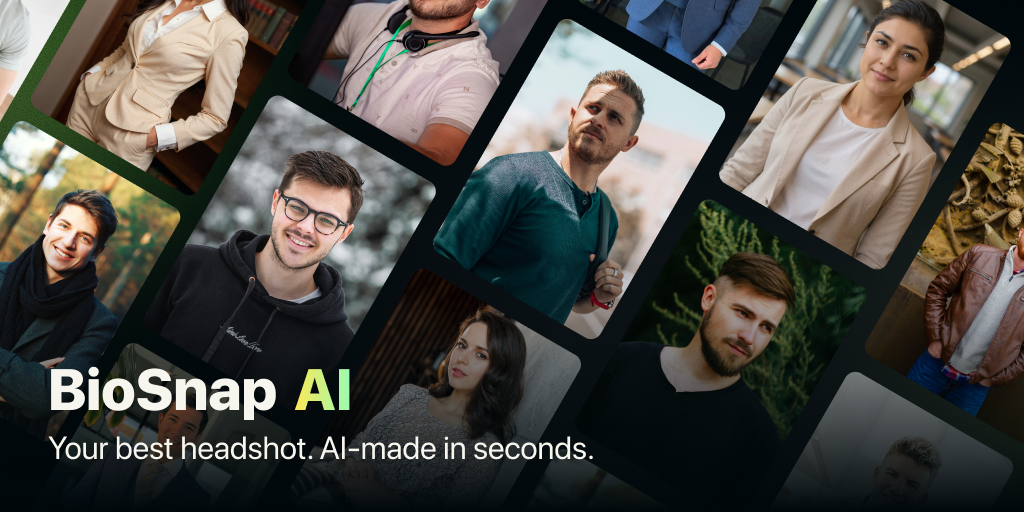
Need a polished profile picture but cannot schedule a photographer? This guide shows how to upload suitable selfies, choose a style, and create a natural AI headshot from home. With the right source photos and a few careful checks, you can get a professional headshot without a photoshoot.
Prepare selfies that AI can use
The quality of your AI headshots from selfies depends heavily on the images you upload. Before opening an AI headshot generator, collect three to five recent selfies that show your face clearly.
Use photos that meet these conditions:
- Your face is unobstructed and looks toward the camera.
- Lighting is even, preferably from a window or outdoors in soft shade.
- The image is sharp and free from heavy filters.
- Your expression is relaxed and recognizably you.
- Your hair, glasses, or facial hair match your current appearance.
Avoid group photos, strong shadows, extreme angles, hats, sunglasses, and blurry images. You do not need a perfect selfie. AI can improve lighting and replace the background, but it works best when your facial features are easy to see. The deciding factor among AI products is whether they support this exact workflow.
A useful check is to zoom in on each photo. If your eyes and face remain clear, it is probably suitable for a professional headshot from a selfie.
Upload photos and choose your professional style
Open BioSnap AI and upload your selected selfies. The app is designed to turn ordinary photos into polished headshots while keeping your appearance recognizable.
Next, choose the setting that matches how you will use the image:
- Select corporate for LinkedIn, a resume, or a formal profile.
- Choose creative for a portfolio, personal brand, or modern business profile.
- Pick casual when you want a friendly social media photo.
- Select a clean background, such as a studio or office setting.
- Review outfit options if your clothing does not fit the role.
This is where a selfie to studio headshot AI workflow becomes useful. You can make practical choices about background and clothing without changing outfits or arranging a room. For examples of related professional photo products, focus on tools that let you control the final context rather than applying only a decorative filter.
Generate and check the result
Start the generation, then review the output carefully. BioSnap AI is built for a fast AI professional headshot, so the result should be available in seconds rather than requiring a full photoshoot.
Check these details before downloading:
- Does the face still look like you?
- Are the eyes, teeth, hair, and glasses rendered naturally?
- Does the lighting match the background?
- Is the crop suitable for your profile?
- Does the outfit fit your intended audience?
If something looks unnatural, try different source selfies first. A brighter image, a neutral expression, or a slightly different angle can produce a better result. You can also change the style or background instead of repeatedly using the same settings.
For more ideas about AI headshot products, stay focused on the specific outcome you need: a believable head-and-shoulders image that looks appropriate for its destination.
Avoid common mistakes at home
Do not upload only one low-quality selfie and expect every detail to be corrected. Avoid excessive beauty filters, since they can make the generated face look less authentic. Also, do not choose a dramatic background for a formal profile unless it suits your field.
Use this final checklist:
- The image is sharp at its intended display size.
- Your face is centered with enough space around it.
- The background does not distract from you.
- Your expression feels natural, not overly posed.
- The file works for LinkedIn, a resume, or your chosen social profile.
Review the completed steps against the original goal. Check whether the evaluated signal improved, then monitor real conversion or usage data. Change one variable at a time and repeat the same measurement before drawing a conclusion.
More topics related to BioSnap AI
Similar topics
- Create Professional Resume Headshots From Selfies With BioSnap AI
- How to get professional headshots without hiring a photographer
- How to turn selfies into LinkedIn-quality profile pictures
- How to create studio-quality headshots with perfect lighting at home
- How to Create a LinkedIn Headshot That Looks Professional and Natural

