This task can be performed using Video2text
Turn any video or audio into clean text in minutes.
Best product for this task

Video2text
productivity
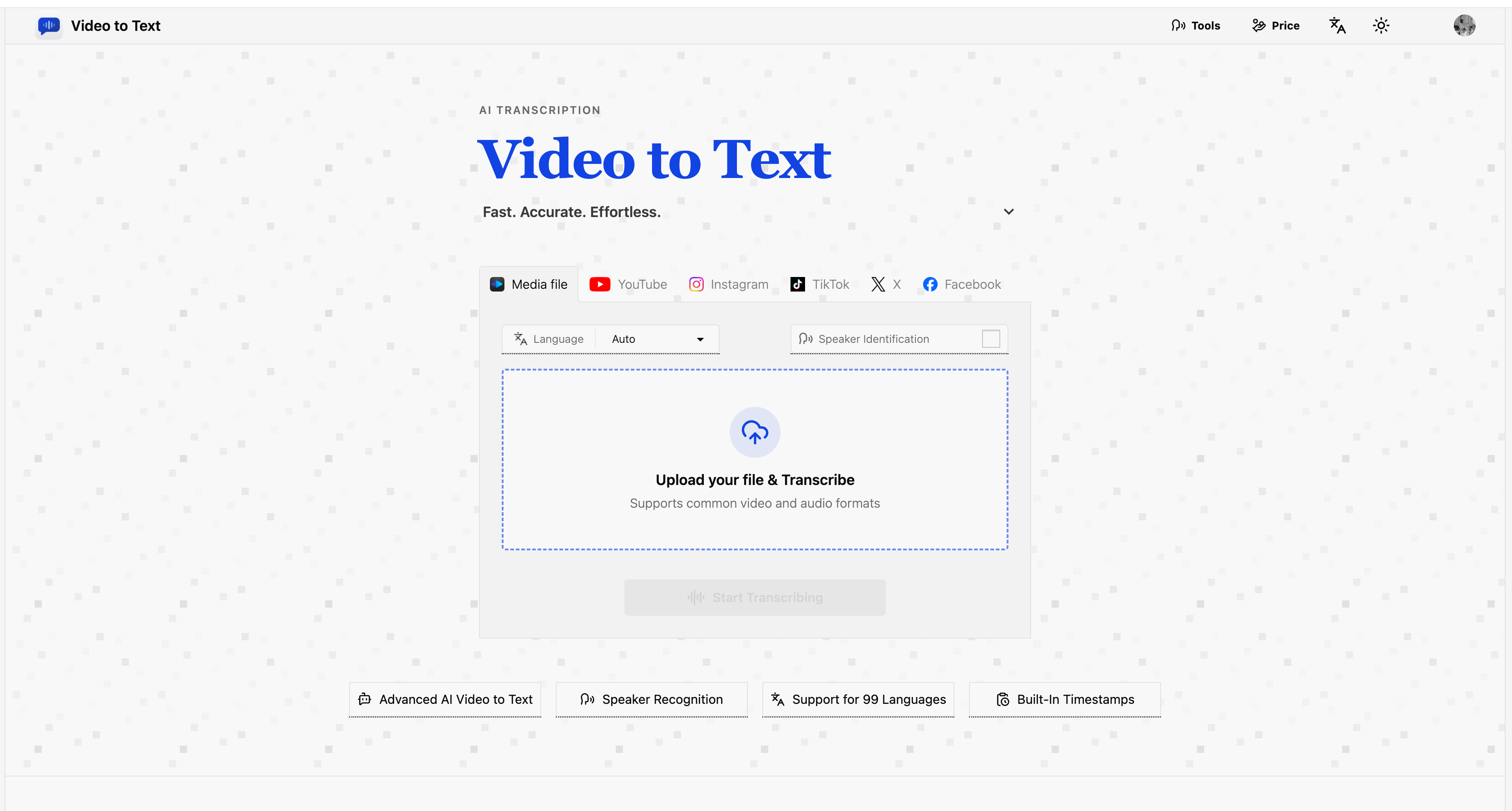
Video to text is an ai-powered transcription service that converts video and audio files, as well as video links, into clean, exportable text. the product is designed for creators, teams, and individuals who need fast, accurate speech-to-text conversion without setting up their own transcription pipeline.
transcriptionspeech-to-textvideo transcriptionaudio transcriptionai transcriptionspeaker diarization
What to expect from an ideal product
- Upload any audio file (MP3, WAV, M4A) to video2text and get a clean, editable transcript in minutes, no account setup or technical knowledge needed.
- video2text supports direct video links so you can skip the download step entirely and go straight to getting your transcript.
- Once your audio is transcribed, export the text in a format ready to paste into Google Docs, Word, or your content tool of choice.
- Accurate enough to handle interviews, podcasts, and meeting recordings where multiple speakers and crosstalk are common.
- No transcription pipeline to build or maintain, video2text handles the whole process from file upload to exportable text in one place.

