This task can be performed using Zerobyte
Automated, restic-powered backups tailored for serious self‑hosters
Best product for this task

Zerobyte
tech
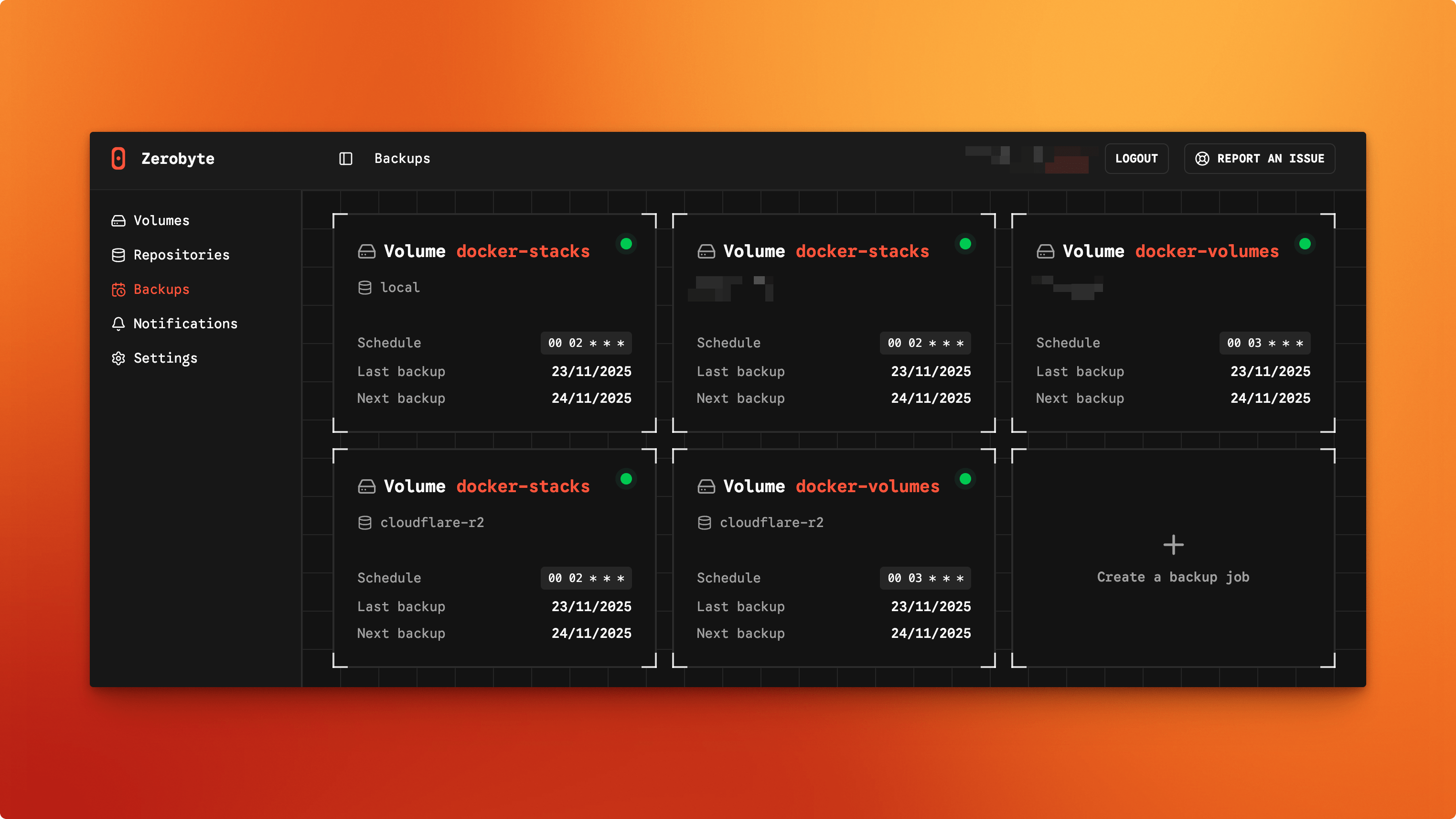
Zerobyte is a Restic-based backup automation system for self-hosters, providing encrypted, scheduled backups through a modern web interface. It supports multiple storage backends, network shares, and Docker deployment for simple, centralized backup management.
What to expect from an ideal product
- Zerobyte provides a clean web interface where you can create backup schedules without touching command lines or config files
- You can connect different storage locations like local drives, cloud services, and network shares all from the same dashboard
- The system runs automated backups based on your schedule while you focus on other tasks instead of manually running backup commands
- All backups get encrypted automatically using Restic's proven encryption, so your data stays secure whether stored locally or in the cloud
- Docker deployment means you can get the whole backup system running in minutes without complex installation procedures

