This task can be performed using Zerobyte
Automated, restic-powered backups tailored for serious self‑hosters
Best product for this task

Zerobyte
tech
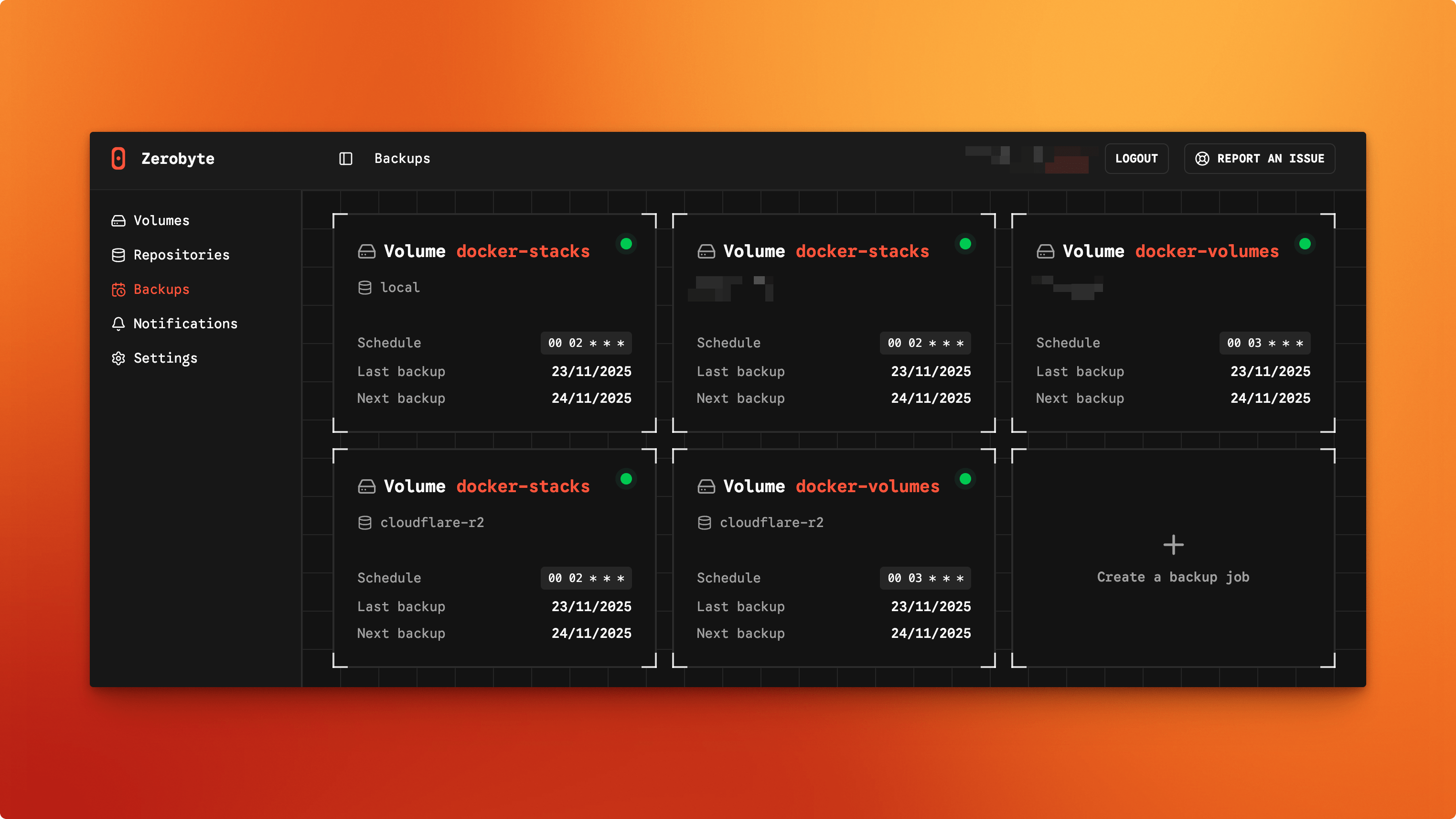
Zerobyte is a Restic-based backup automation system for self-hosters, providing encrypted, scheduled backups through a modern web interface. It supports multiple storage backends, network shares, and Docker deployment for simple, centralized backup management.
What to expect from an ideal product
- Deploy Zerobyte as a Docker container to create a single backup hub that monitors and backs up all your other containers plus network drives from one place
- Set up automated backup schedules through the web interface so your Docker volumes and network shares get backed up regularly without manual work
- Connect multiple storage locations like cloud services, NAS devices, or remote servers as backup destinations using the built-in storage backend options
- Manage backups for dozens of containers and network shares through one dashboard instead of configuring separate backup scripts for each service
- Use encrypted Restic backups that compress and deduplicate your data automatically while keeping everything secure during transfer and storage

