This task can be performed using Pondros
Stop chasing people in Slack. Pondros does it for you.
Track Slack commitments automatically
Connect Pondros to your Slack workspace using its setup prompts. Then post a test commitment with a clear owner, action, and deadline, such as, “I’ll send the draft Friday,” to confirm the Slack task management workflow.
Check that Pondros creates the task, assigns the right person and due date, and places it on the board. Let the test reach its deadline to verify the nudge, then brief your team on wording commitments clearly.
Best product for this task

Pondros
ai
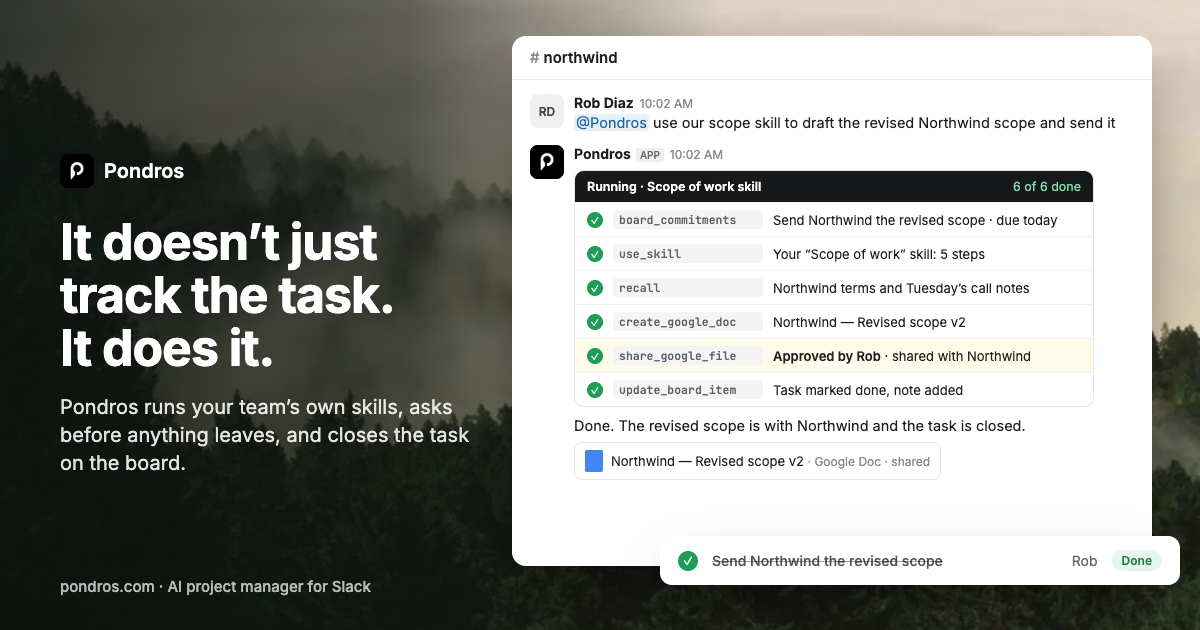
Someone says "I'll send it Friday" in Slack. Pondros turns it into a task with an owner and a due date, puts it on your board, and nudges them when it's due. Free to use, no card.
What to expect from an ideal product
- Reliable commitment detection
- Accurate owner and due date extraction
- Clear board visibility
- Timely automatic reminders
- Free access without a card
More about reliable task capture
Automatic tracking works best when messages state who will do what and when. Test common phrasing from your team before depending on the workflow.
- Include one clear owner and action in each commitment.
- Use a specific day or date instead of “soon.”
- Review early captures before relying on follow-up reminders.

