This task can be performed using Ghostscroll
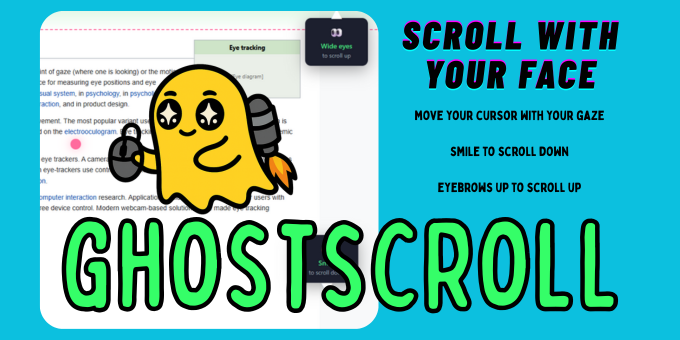
Scroll webpages with your face. Smile down, eyebrows up.
Best product for this task

Ghostscroll
productivity
Ghostscroll is a Chrome extension that lets you browse hands-free using facial expressions. Smile to scroll down, raise your eyebrows to scroll up, move your cursor with your gaze, and look at a search bar to start typing. Tap your nose to go back, tap your ear to jump to top, spacebar to pause. 100% private — all processing runs locally. Perfect for accessibility or hands-free browsing.
accessibilitychrome-extensionhands-freeeye-trackingproductivitybrowserwebcamface-detectionscrollingassistive-technology
What to expect from an ideal product
- Ghostscroll runs entirely in your browser with no external servers, so your camera feed never leaves your device
- Works out of the box in Chrome with no extra hardware, headsets, or eye-tracking devices required
- Raise your eyebrows to scroll up, smile to scroll down, and tap your nose to go back, all without touching your keyboard
- Built for hands-free browsing whether you have a motor disability, an injury, or just want to keep your hands free while eating or reading
- Gaze-based cursor movement and automatic search bar activation mean you can navigate full pages using only your face

