This task can be performed using Ghostscroll
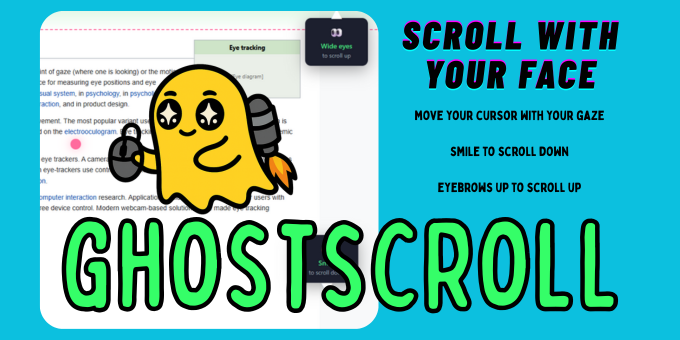
Scroll webpages with your face. Smile down, eyebrows up.
Best product for this task

Ghostscroll
productivity
Ghostscroll is a Chrome extension that lets you browse hands-free using facial expressions. Smile to scroll down, raise your eyebrows to scroll up, move your cursor with your gaze, and look at a search bar to start typing. Tap your nose to go back, tap your ear to jump to top, spacebar to pause. 100% private — all processing runs locally. Perfect for accessibility or hands-free browsing.
accessibilitychrome-extensionhands-freeeye-trackingproductivitybrowserwebcamface-detectionscrollingassistive-technology
What to expect from an ideal product
- Smile to scroll down pages and raise your eyebrows to scroll up, letting you read articles and browse content without touching anything
- Move your mouse cursor just by looking where you want it to go, making it easy to click links and buttons across websites
- Look directly at search bars to automatically start typing, so you can enter queries and navigate to different sites
- Use simple gestures like tapping your nose to go back or tapping your ear to jump to the top of pages for quick navigation
- Everything works right in your browser without sending data anywhere, keeping your browsing private while giving you full hands-free control

