This task can be performed using HoldSpeak
Type 3x faster with AI powered voice-to-text
Best product for this task

HoldSpeak
productivity
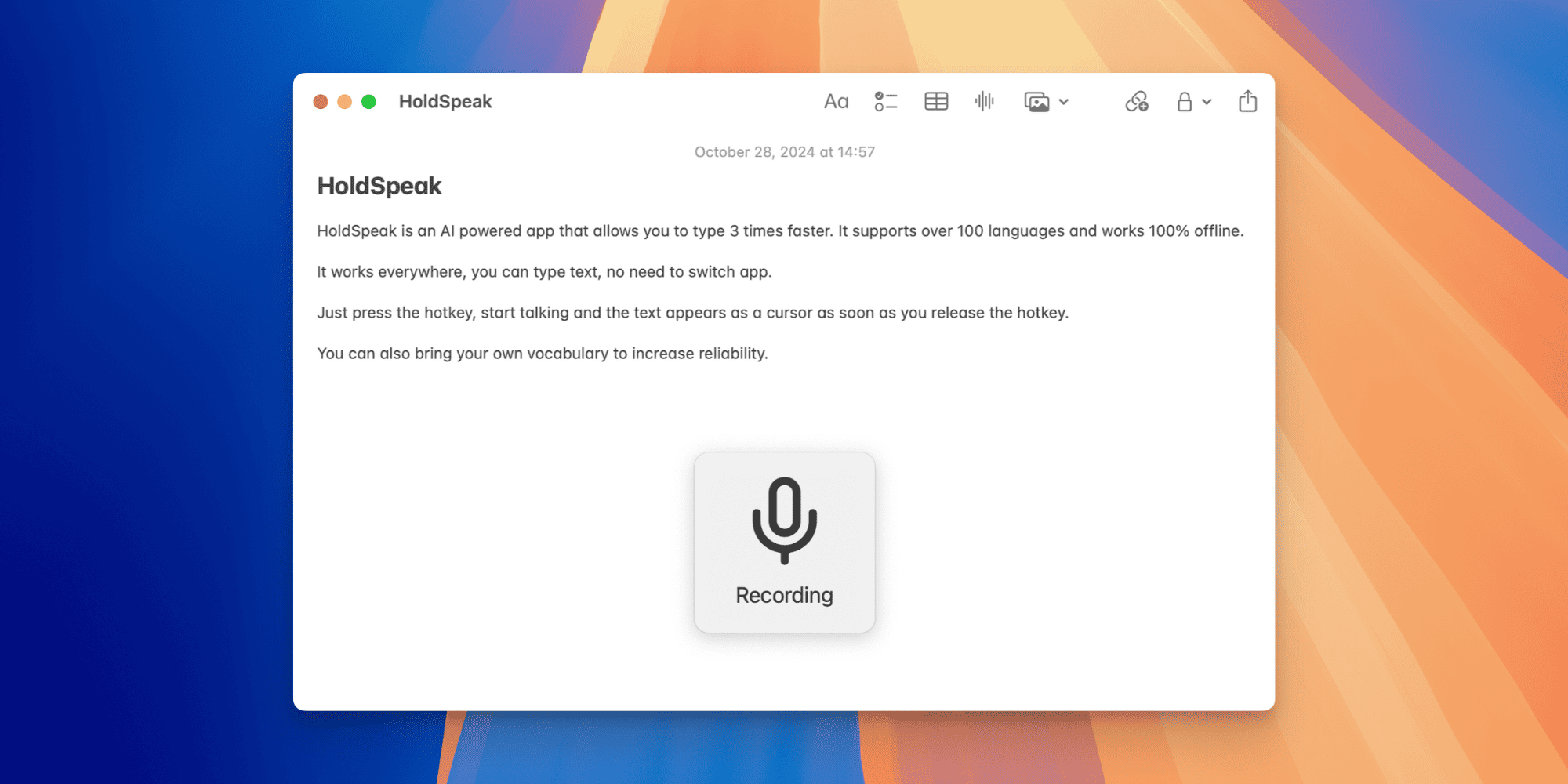
HoldSpeak is a AI-powered app that allows you to type 3x faster. It supports over 100 languages and works 100% offline. It works everywhere you can type text, no need to switch app. Just press the hotkey, start talking and the text appears at the cursor as soon as you release the hotkey. You can also bring your own vocabularies to increase reliability.
What to expect from an ideal product
- HoldSpeak lets you set a system-wide hotkey so voice typing works inside any app, whether you are in Gmail, Notion, Slack, or a terminal window, without switching context.
- Hold the hotkey, speak, release, and the transcribed text lands exactly where your cursor is, no copy-paste step, no extra window to manage.
- The transcription runs fully offline on your machine, so your words never leave your device and latency stays near zero even without a Wi-Fi connection.
- If your work involves technical terms, medical jargon, or brand names, you can load a custom vocabulary so HoldSpeak gets those words right every time.
- With support for over 100 languages, you can dictate in French, Japanese, Arabic, or any other language and still use the same single hotkey setup you configured once.

