This task can be performed using Supersparks
Create custom-designed communities with Webflow.
Best product for this task

Supersparks
community
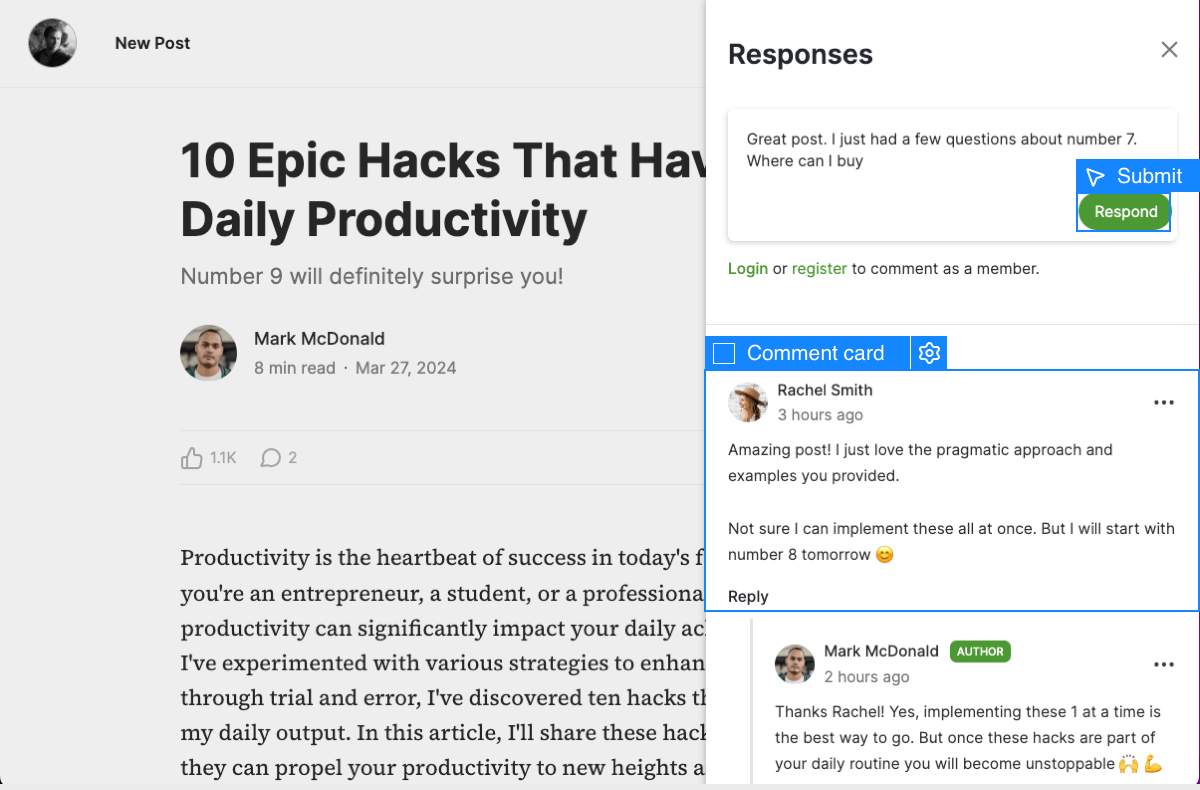
Create the community website of your dreams! Use Webflow's design tool to fully customize your community's UX & UI—no coding needed. Let users create pages of rich content via the Webflow CMS to build forums, job boards, social media platforms, and more in minutes.
What to expect from an ideal product
- Set up a custom Webflow template with your branding and style using the visual design tools
- Enable user submissions through Webflow CMS forms to collect content from community members
- Create structured content types for different post formats like discussions, job listings, and profiles
- Configure permissions and moderation settings to manage what users can post and share
- Add community features like comments, likes, and user profiles to make the platform interactive

