This task can be performed using Supersparks
Create custom-designed communities with Webflow.
Best product for this task

Supersparks
community
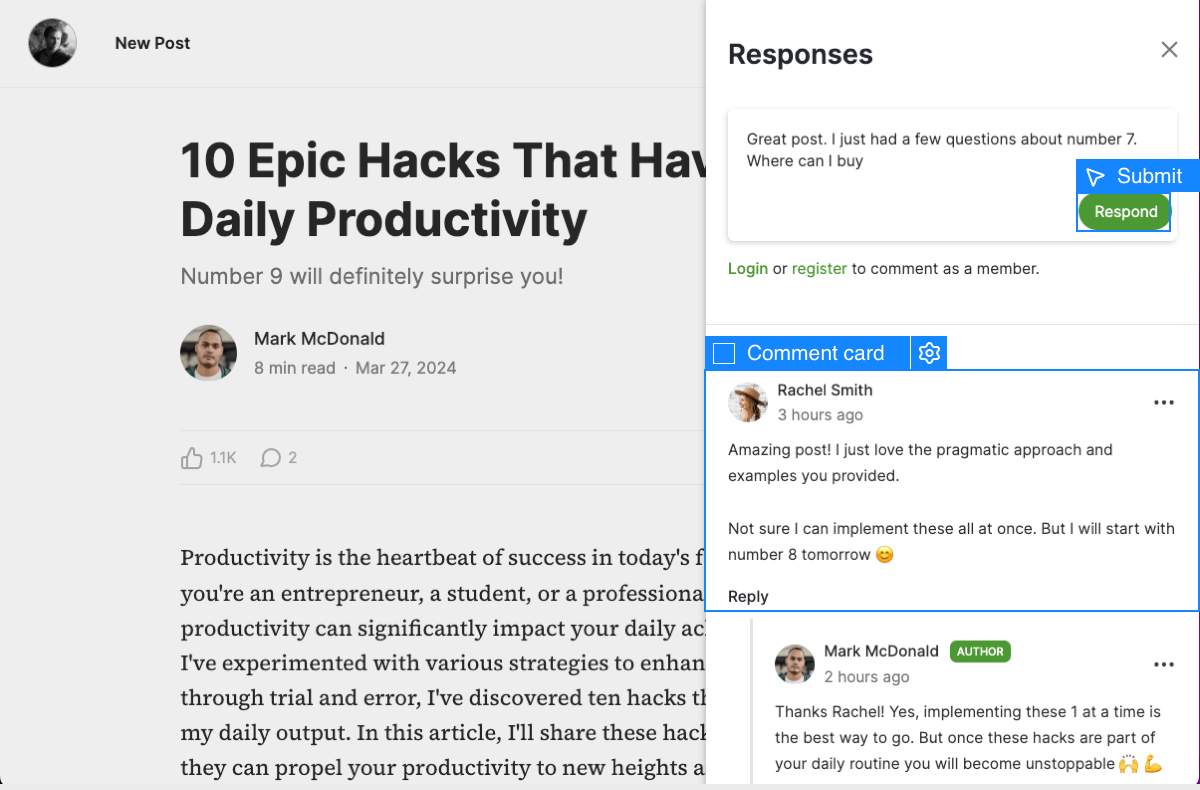
Create the community website of your dreams! Use Webflow's design tool to fully customize your community's UX & UI—no coding needed. Let users create pages of rich content via the Webflow CMS to build forums, job boards, social media platforms, and more in minutes.
What to expect from an ideal product
- Supersparks connects directly to Webflow CMS, so community members can submit posts, profiles, or listings without ever touching your backend or breaking your design.
- You stay in full control of the layout. Build your forum, job board, or social feed in Webflow the way you want it, then let Supersparks handle user submissions on top of it.
- No custom code required. If you can publish a Webflow site, you can run a community where real users create real content inside your existing CMS collections.
- Member-generated content shows up as native Webflow CMS items, which means it gets indexed by search engines the same way your hand-written pages do.
- Teams use Supersparks to launch Webflow-powered communities in minutes, skipping months of developer work that would normally go into building user-generated content systems from scratch.

