This task can be performed using SuperMailbox
Chat with your inbox: unified email search, summaries, answers
Best product for this task

SuperMailbox
tech
SuperMailbox unifies multiple email accounts and connects them to AI assistants through MCP so you can search, summarize, and manage messages from a browser inbox or directly in chat.
ai email hubmcp inbox connectormultiaccount mailboxemail managementproductivity automationai workflowsinbox organizationcommunication tools
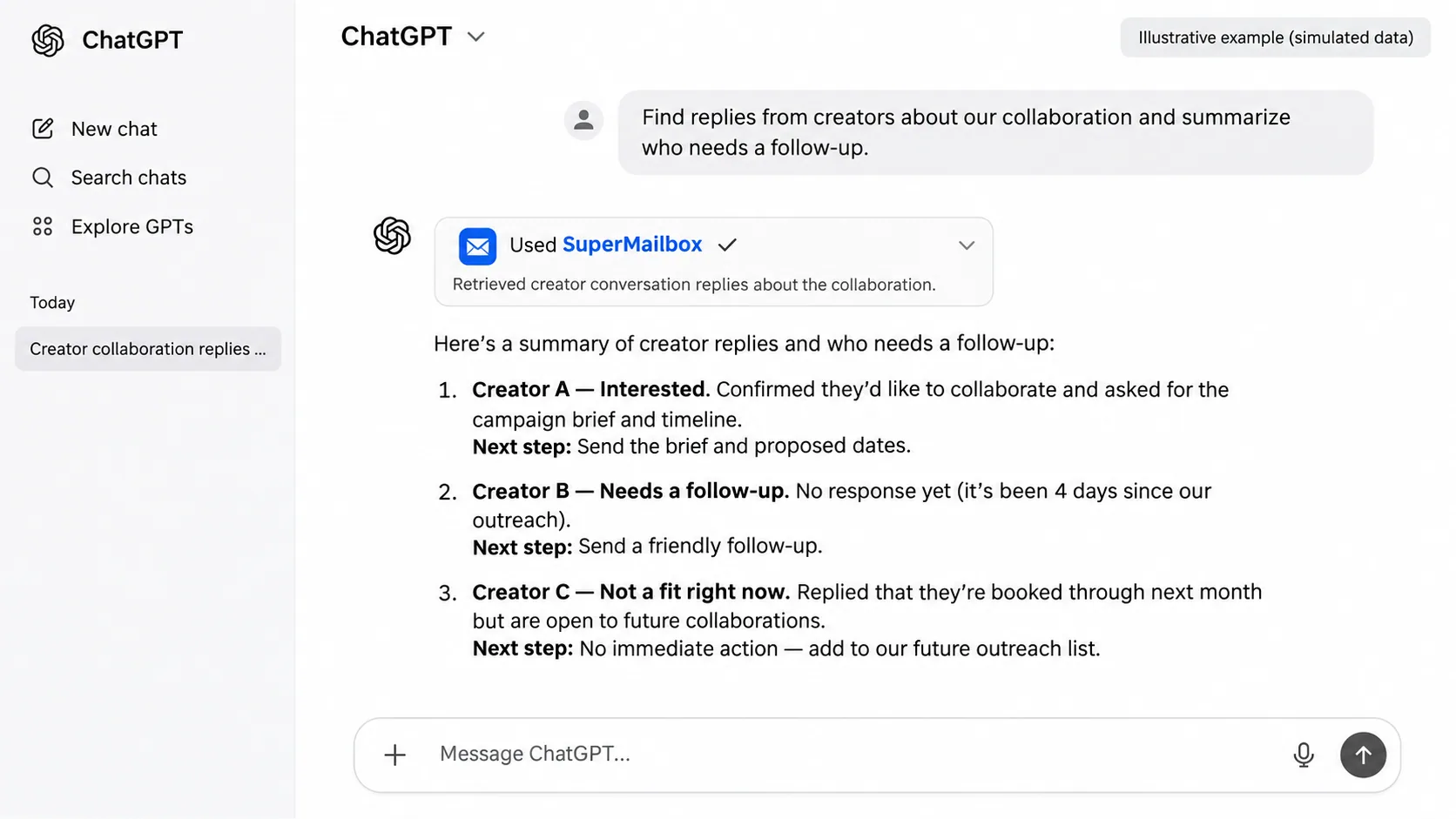
What to expect from an ideal product
- SuperMailbox connects multiple email accounts to AI assistants via MCP, so you can search and manage every inbox without leaving your chat interface.
- Ask your AI assistant to find, summarize, or reply to emails across accounts the same way you would send a message to a colleague.
- No more switching tabs between Gmail, Outlook, and other inboxes: SuperMailbox pulls everything into one place your AI can actually read and act on.
- Works as a browser inbox or as a direct MCP connection, so you pick the workflow that fits how you already operate.
- Setting up a unified inbox with SuperMailbox takes minutes and immediately gives your AI assistant full context over your email history, threads, and senders.