This task can be performed using SuperMailbox
Chat with your inbox: unified email search, summaries, answers
Best product for this task

SuperMailbox
tech
SuperMailbox unifies multiple email accounts and connects them to AI assistants through MCP so you can search, summarize, and manage messages from a browser inbox or directly in chat.
ai email hubmcp inbox connectormultiaccount mailboxemail managementproductivity automationai workflowsinbox organizationcommunication tools
What to expect from an ideal product
- SuperMailbox connects Gmail, Outlook, and other accounts into one place so you can run a single search across all inboxes without logging in and out.
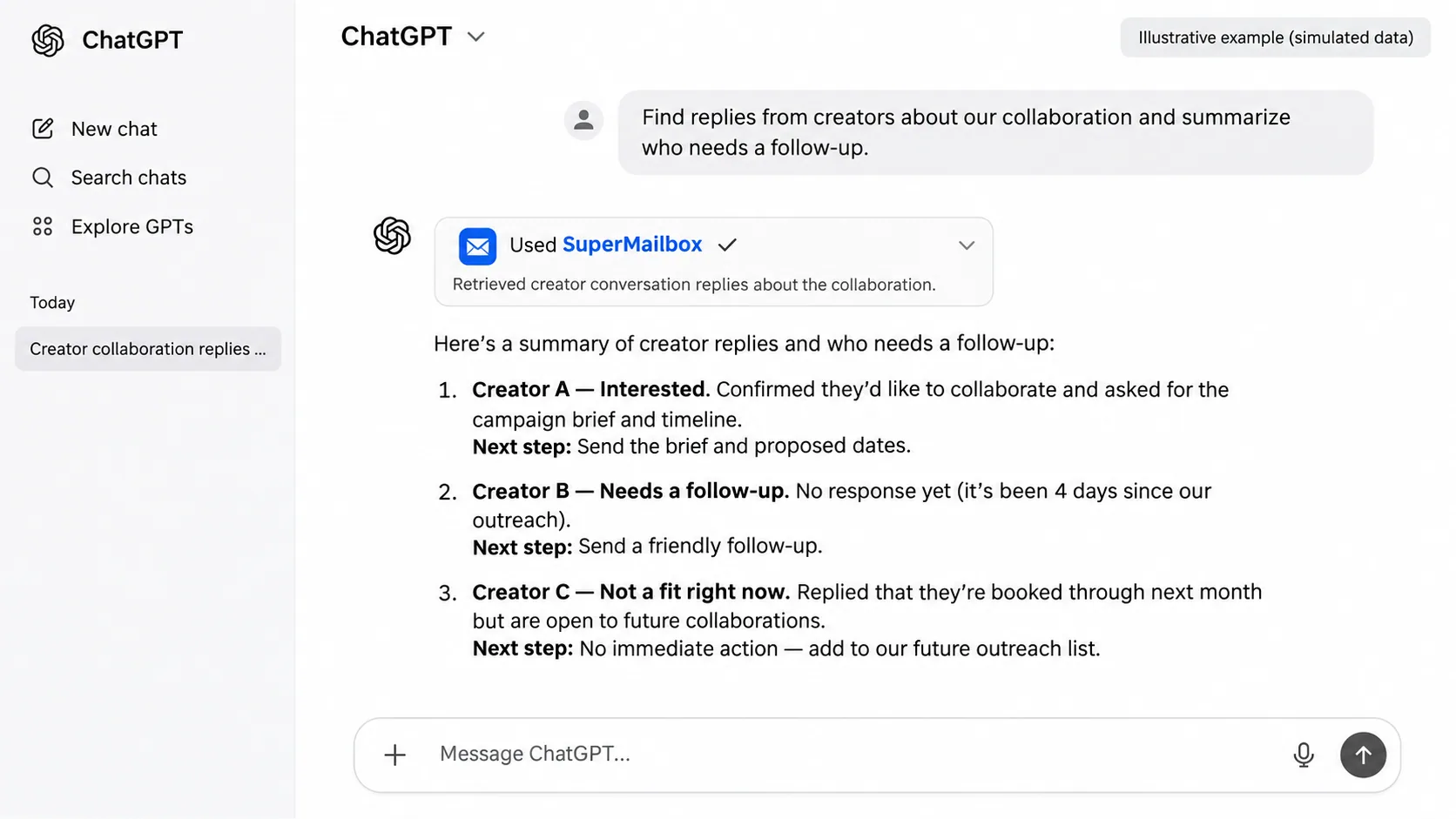
- Ask a question in plain language and get a summary of relevant emails pulled from multiple accounts in seconds, no manual digging needed.
- Works directly inside AI chat tools through MCP, so you can find, read, and act on emails without leaving the conversation you are already in.
- If you manage shared inboxes or client accounts, you stop missing messages because everything surfaces in one unified search layer.
- No more copy-pasting email threads into AI tools to get a summary, SuperMailbox pipes your inbox straight into the assistant.