This task can be performed using SuperMailbox
Chat with your inbox: unified email search, summaries, answers
Best product for this task

SuperMailbox
tech
SuperMailbox unifies multiple email accounts and connects them to AI assistants through MCP so you can search, summarize, and manage messages from a browser inbox or directly in chat.
ai email hubmcp inbox connectormultiaccount mailboxemail managementproductivity automationai workflowsinbox organizationcommunication tools
What to expect from an ideal product
- SuperMailbox pulls Gmail and Outlook into one browser inbox so you stop switching tabs to check different accounts.
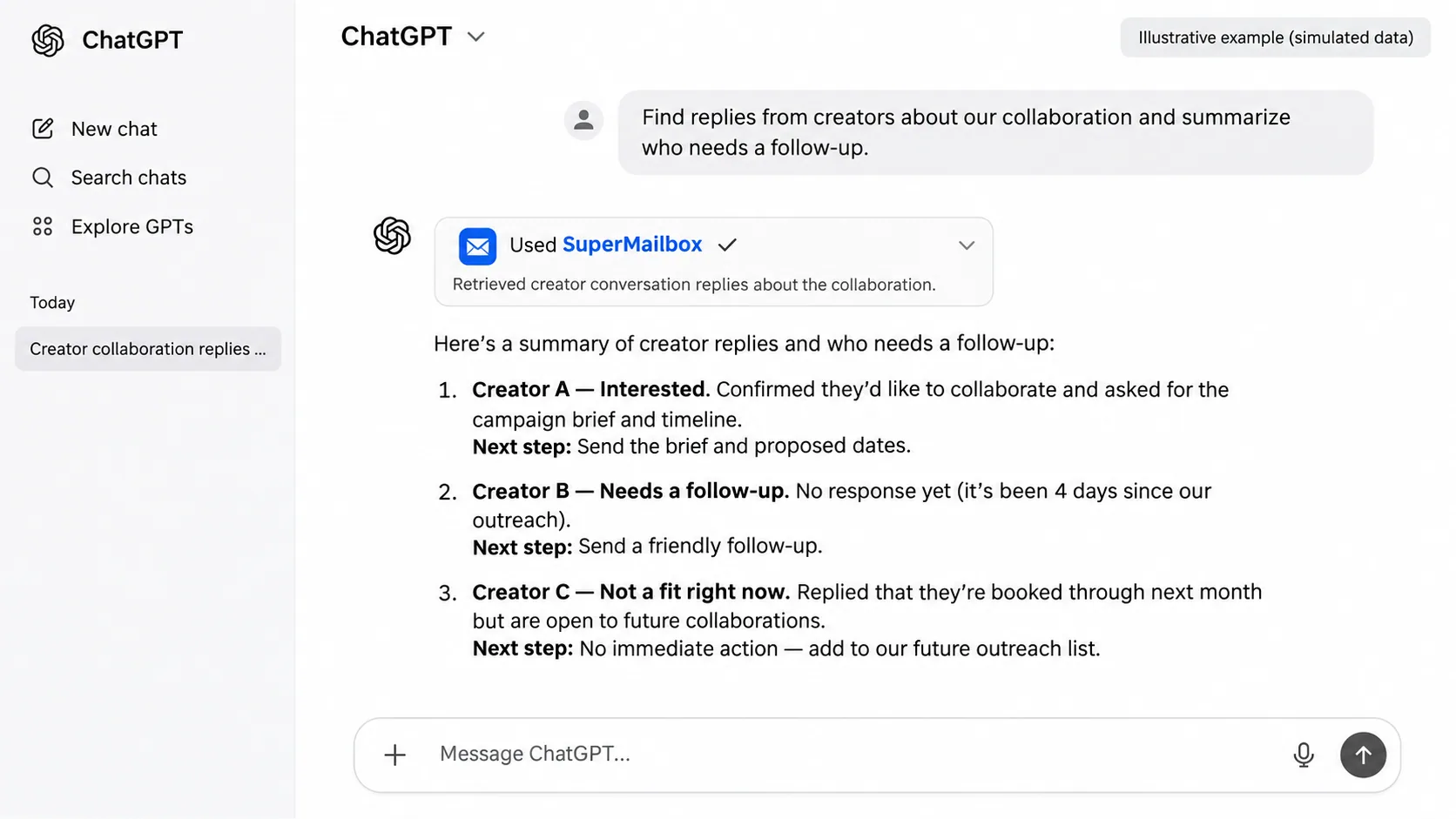
- Connect your email accounts to AI assistants via MCP and ask questions like "what did my client say last Tuesday" without digging through threads.
- Search across all your inboxes at once, get a plain summary of any thread, and reply faster without opening each message one by one.
- Works directly in your browser, no desktop app to install, no forwarding rules to set up, no inbox migration needed.
- If you manage multiple email addresses for work and personal use, SuperMailbox keeps them organized in one view while letting AI handle the heavy lifting.