This task can be performed using SuperMailbox
Chat with your inbox: unified email search, summaries, answers
Best product for this task

SuperMailbox
tech
SuperMailbox unifies multiple email accounts and connects them to AI assistants through MCP so you can search, summarize, and manage messages from a browser inbox or directly in chat.
ai email hubmcp inbox connectormultiaccount mailboxemail managementproductivity automationai workflowsinbox organizationcommunication tools
What to expect from an ideal product
- SuperMailbox connects Gmail, Outlook, and other email accounts to AI assistants through a single MCP server, so you stop switching tabs to find that one email from three weeks ago.
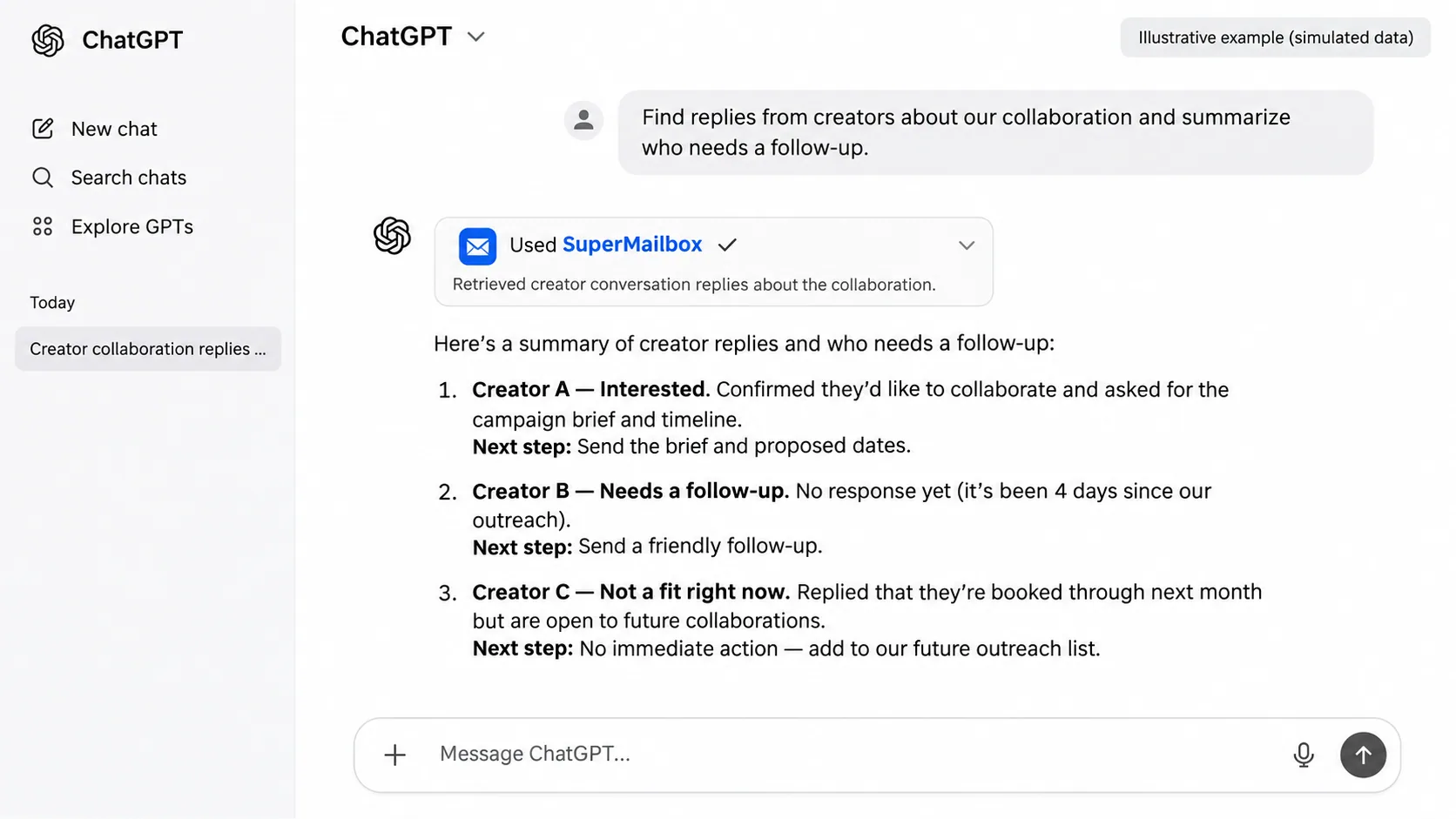
- Once linked, you can ask your AI assistant to summarize unread threads, find attachments, or draft replies without opening your inbox at all.
- The MCP layer means your AI tool reads live email data, not a static export, so answers reflect what actually landed in your inbox today.
- Teams managing multiple client email accounts can query all of them from one chat interface instead of logging in and out of separate inboxes.
- Setup takes minutes: add your accounts to SuperMailbox, expose them via MCP, and your AI assistant starts answering email questions on the first prompt.