This task can be performed using Qrblox
Scan QR codes from photos with AI summaries, chat, and safety
Best product for this task
Qrblox
marketing
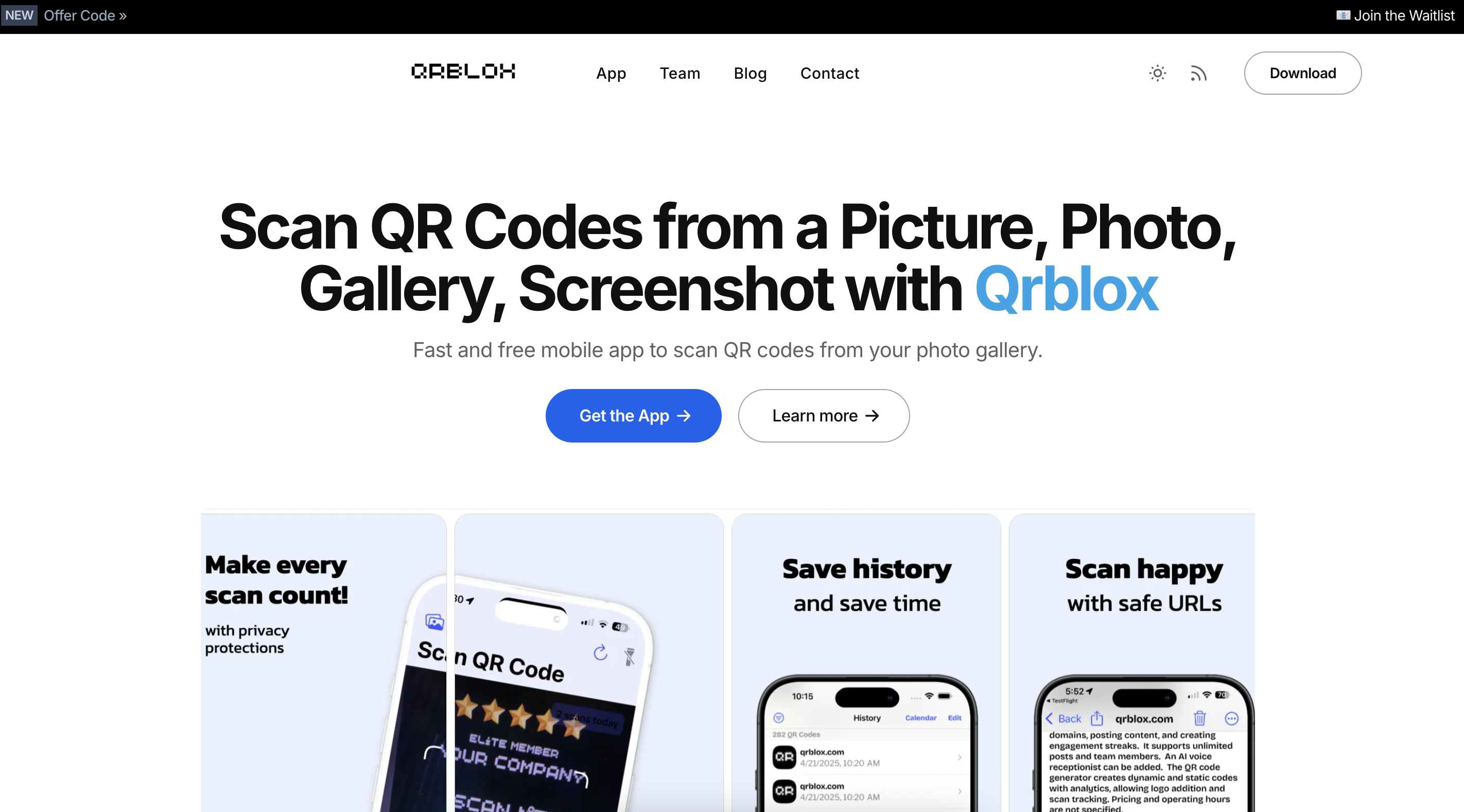
Qrblox is a mobile QR code reader with AI that lets you scan codes from photos, screenshots, and your gallery on iPhone and iPad. It saves your scans with history and calendar views, inspects URLs for safety, and shows AI summaries you can listen to or chat about without leaving the app. Create custom QR codes, track stats and leaderboards, and manage scans from a business dashboard, all while keeping a searchable library of the codes you encounter.
What to expect from an ideal product
- Import photos and screenshots directly from your iPhone or iPad gallery to scan QR codes that you've already captured
- Use your camera to scan QR codes in real-time or select existing images from your photo library without switching between apps
- Get instant results from QR codes found in screenshots you've taken from websites, social media, or messages
- Browse through your saved photos and tap any image containing a QR code to extract the information automatically
- Scan multiple QR codes from a single photo if there are several codes visible in one screenshot or image

