This task can be performed using Qrblox
Scan QR codes from photos with AI summaries, chat, and safety
Best product for this task
Qrblox
marketing
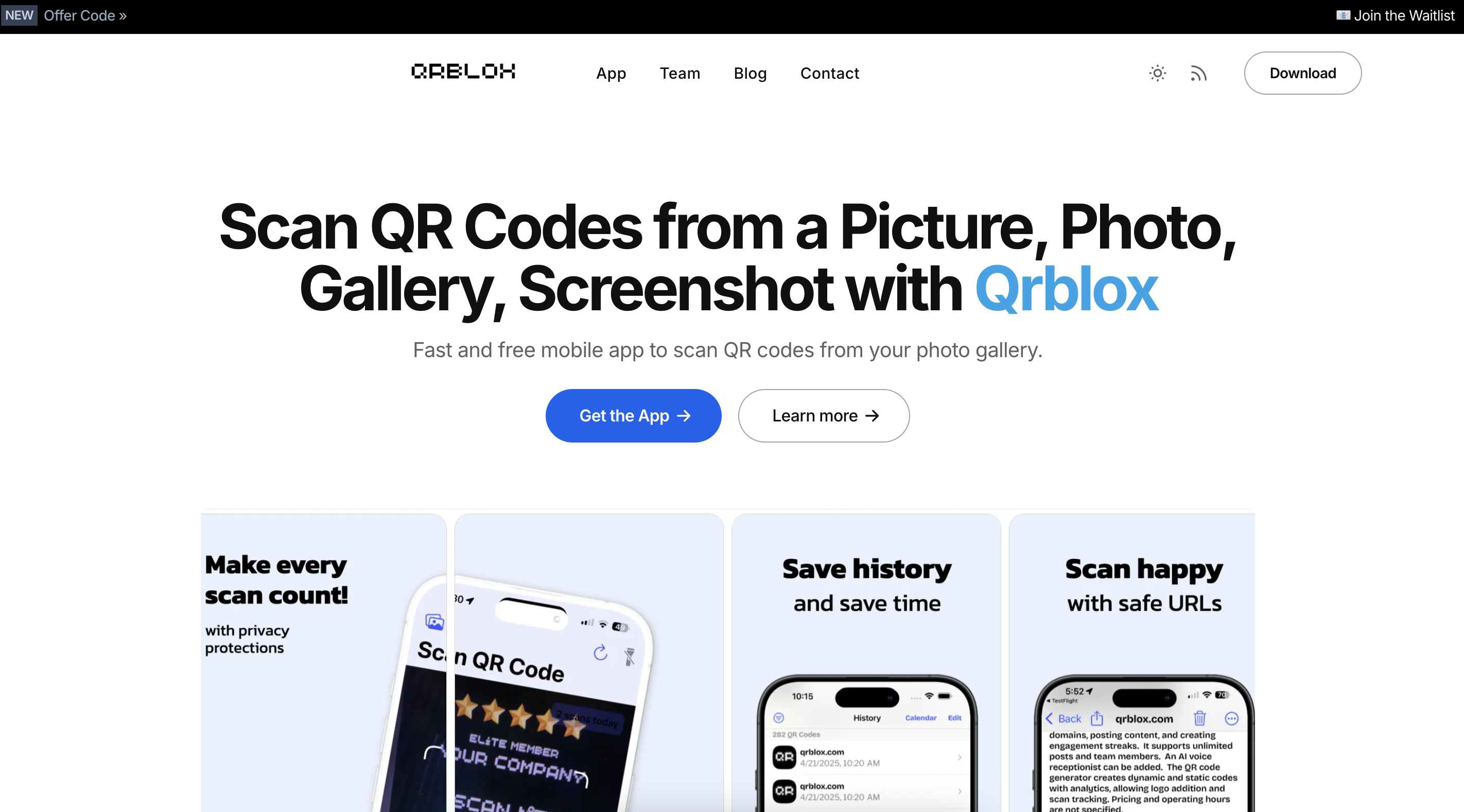
Qrblox is a mobile QR code reader with AI that lets you scan codes from photos, screenshots, and your gallery on iPhone and iPad. It saves your scans with history and calendar views, inspects URLs for safety, and shows AI summaries you can listen to or chat about without leaving the app. Create custom QR codes, track stats and leaderboards, and manage scans from a business dashboard, all while keeping a searchable library of the codes you encounter.
What to expect from an ideal product
- Generate QR codes directly in the app and monitor how many times they get scanned through built-in tracking features
- Use the business dashboard to see detailed stats on your QR code performance including scan counts and timing data
- Track which of your custom codes perform best with leaderboard views that rank your QR codes by popularity
- Keep a searchable history of all your created codes so you can easily find and analyze past campaigns
- Get insights into scan patterns with calendar views that show when your QR codes were accessed most frequently

