This task can be performed using Recordly
Open‑source screen recorder with cinematic cursors and minimal UI
Best product for this task

Recordly
oss
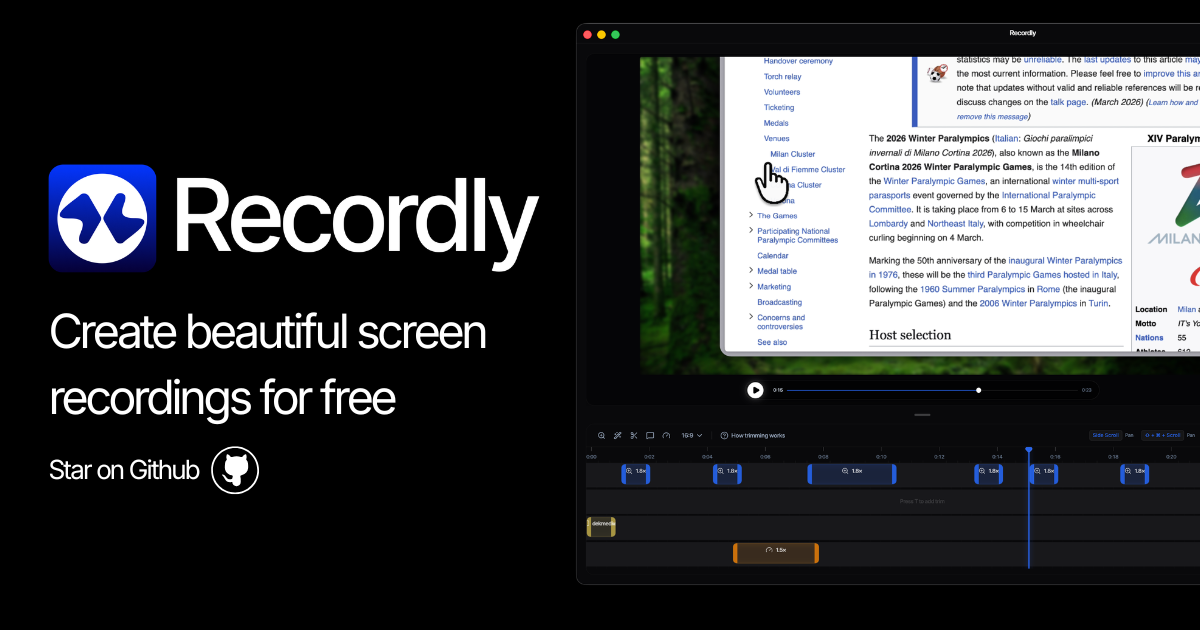
Recordly is an open-source screen recorder for MacOS, Windows, and Linux that adds auto-zoom, animated cursors, and dynamic webcam bubbles for polished demos and tutorials. Edit timelines, sync audio, and export MP4 or GIF files while saving reusable project files for ongoing work.
What to expect from an ideal product
- Records your screen while automatically adding smooth cursor animations and zoom effects that follow your mouse movements
- Captures both your desktop activity and system audio in one take, so viewers can hear clicks and application sounds
- Includes a timeline editor where you can trim clips, add text annotations, and adjust the cinematic effects after recording
- Exports your demos as high-quality videos or compact GIFs that work great for tutorials and product showcases
- Works across Mac, Windows, and Linux without watermarks or time limits since it's completely open-source

