This task can be performed using Concierge SDK
In-app support for mobile apps, run from any LLM
Add documentation-aware iOS chat
Define the approved documentation your assistant can use, remove outdated guidance, and decide when it should admit uncertainty. Choose a mobile support SDK that can present answers natively in iOS while grounding responses in those sources.
Add the SDK to your iOS project, connect each chat request to your documentation and chosen LLM, then configure a route to the support inbox. Test real questions, ambiguous wording, unsupported requests, and document updates before releasing the chat.
Best product for this task

Concierge SDK
dev-tools
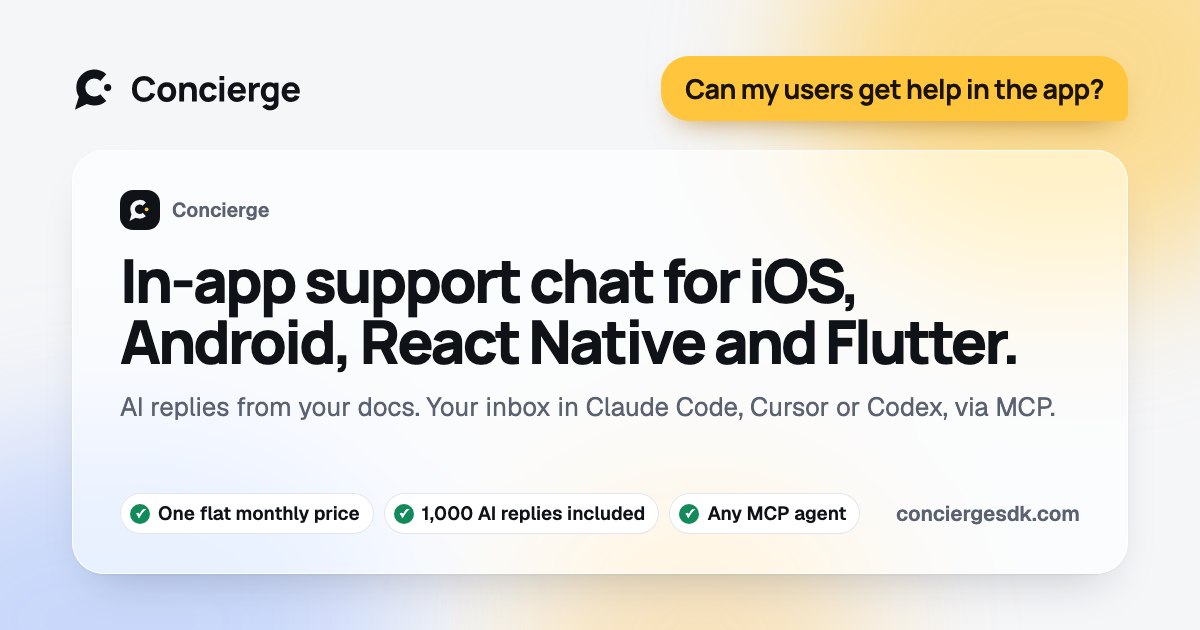
Concierge is an in-app support SDK that adds native chat with documentation-aware AI responses and an MCP-powered inbox to iOS, Android, React Native, Flutter, and web projects in just a few minutes.
What to expect from an ideal product
- Native iOS chat experience
- Accurate documentation retrieval
- Flexible LLM selection
- Clear fallback and escalation paths
- MCP-powered inbox access
More about retrieval testing
A fluent answer can still be wrong if retrieval selects an outdated or loosely related passage. Build a small test set with the support team before launch.
- Include common questions, edge cases, and questions the documentation cannot answer.
- Verify that each response matches the current source rather than relying on plausible wording.
- Route low-confidence or unsupported requests to the inbox instead of guessing.