This task can be performed using Concierge SDK
In-app support for mobile apps, run from any LLM
Add support chat to React Native
Prepare your support documentation, decide which LLM will answer, and define when users should reach the inbox. Choose a mobile support SDK that supports React Native and both native platforms, then confirm its package and platform requirements.
Install the package, initialize it near your app root, and expose the chat from a persistent Help or Support entry point. Connect the documentation and model configuration, rebuild iOS and Android, then test answers, conversation persistence, errors, and inbox visibility.
Best product for this task

Concierge SDK
dev-tools
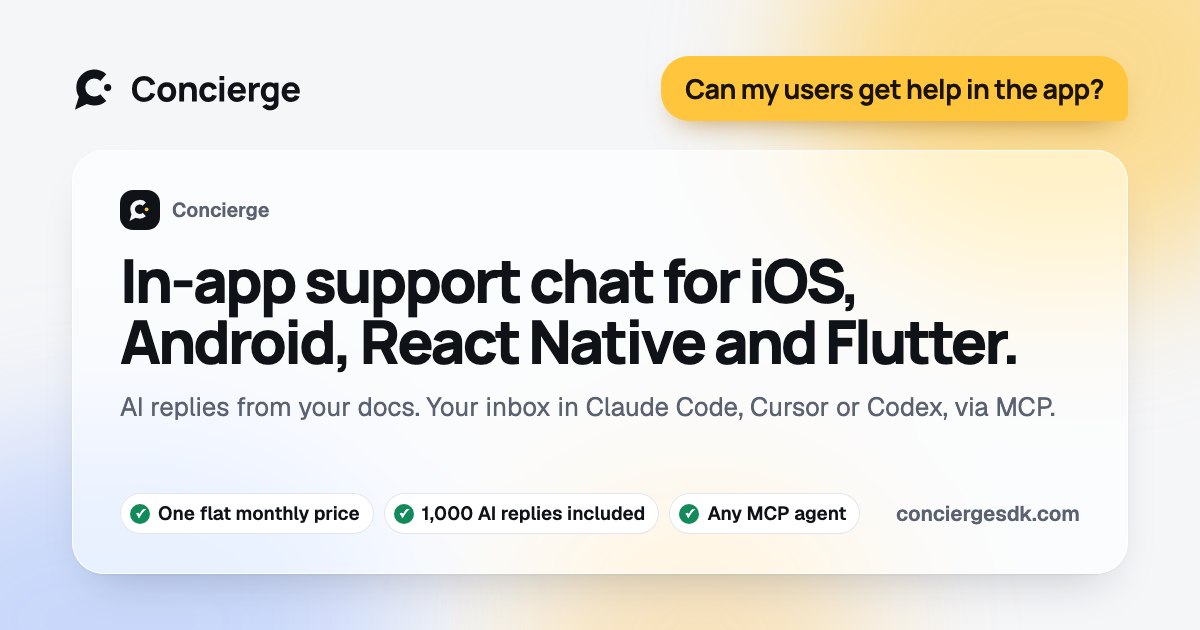
Concierge is an in-app support SDK that adds native chat with documentation-aware AI responses and an MCP-powered inbox to iOS, Android, React Native, Flutter, and web projects in just a few minutes.
What to expect from an ideal product
- Simple React Native installation
- Native iOS and Android chat UI
- Documentation-aware AI answers
- Bring-your-own-LLM support
- MCP-powered support inbox
More about production testing
Before release, test the complete customer support workflow on physical iOS and Android devices. Confirm that AI answers use current documentation and that unresolved conversations remain visible in the inbox.
- Ask outdated, ambiguous, and account specific questions.
- Test offline and poor network states without trapping users in chat.
- Rebuild both native apps after configuration changes, then verify conversation delivery.
More topics related to Concierge SDK
Similar topics
- How to provide documentation-aware answers in an iOS support chat?
- Add Documentation-Aware AI Support Chat to Flutter Apps
- Concierge SDK Alternatives for Native Mobile Support Chat
- How to Add AI-Powered In-App Support With Human Handoff
- How to Integrate Native Support Chat Into iOS, Android, React Native, or Flutter