This task can be performed using Citation Rocket
Pay once. See if ChatGPT, Claude and Gemini recommend you, then fix it.
Best product for this task
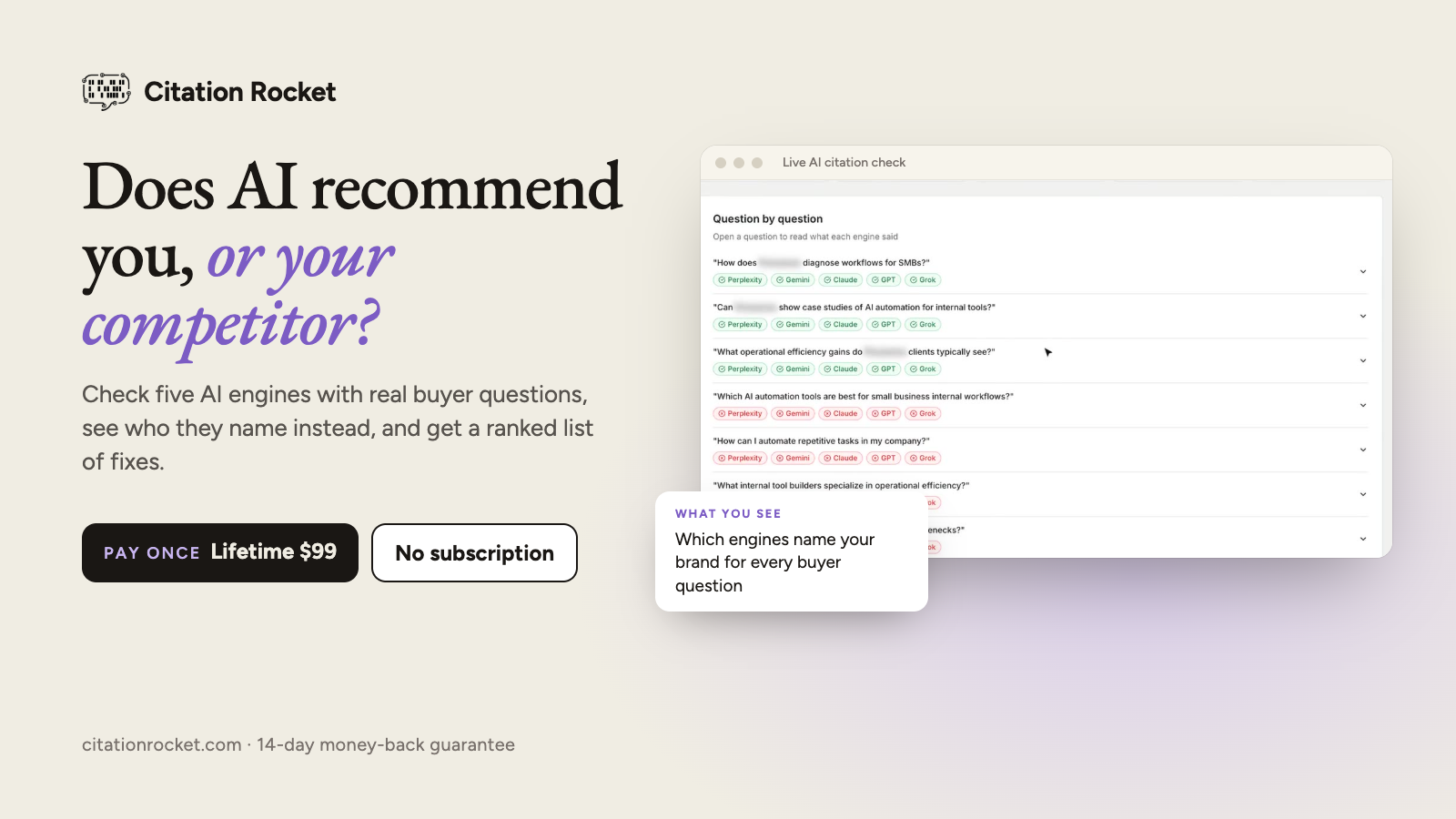
Pay once for lifetime access, with no subscription. Citation Rocket shows whether ChatGPT, Claude, Gemini, Perplexity and Grok name your brand when buyers ask for a tool like yours, which competitors they name instead, and exactly what to fix. You get an AI Readiness Score, a check of 13 AI crawlers, live answers from up to five AI engines, a ranked fix list and a 10-file AEO Pack ready to install. Built for SaaS and B2B founders, marketers and the agencies who serve them. 14-day money-back guarantee.
If buyers use ChatGPT, Claude, or Gemini to find software like yours, blocked crawlers and unclear site data can reduce your visibility. This guide shows how to audit robots.txt, create llms.txt, and add schema markup for AI search visibility. You will finish with specific file changes you can install and verify.
1. Check robots.txt access for AI crawlers
Start by opening:
https://yourdomain.com/robots.txt
You are looking for broad rules that accidentally block useful crawlers, especially Disallow: / or rules aimed at every user agent. The deciding factor among seo products is whether they support this exact workflow.
When you check robots.txt for AI crawlers, review important bots individually. The right policy depends on your goals, licensing preferences, and the crawler’s stated purpose. Do not allow every unknown bot automatically.
A practical review list includes:
- Confirm your site is not globally blocked
- Check rules for OpenAI, Anthropic, Google, Perplexity, and other relevant crawlers
- Remove outdated rules that block your public documentation or product pages
- Keep private dashboards, account areas, and internal search paths disallowed
- Confirm the file returns HTTP 200 and plain text
For example, a narrowly scoped rule might look like:
User-agent: GPTBot
Allow: /

User-agent: ClaudeBot
Allow: /

Disallow: /admin/
Disallow: /app/
Do not copy this blindly. Verify each user agent and your access policy first. A robots.txt audit for a ChatGPT crawler should also check whether a CDN, firewall, or login requirement blocks requests after robots.txt permits them.
If you need to compare your site’s broader AI search readiness, treat crawler access as a technical prerequisite, not proof that an AI engine will recommend your brand.
2. Create and audit llms.txt
An llms.txt file gives language models a concise, machine-readable route to your most useful public content. Publish it at:
https://yourdomain.com/llms.txt
For a SaaS website, include:
# Company Name

> One-sentence description of what the product does.

## Product

- Product overview
- Features
- Pricing
- Documentation
- Security
- Contact
This is a useful starting llms.txt template for B2B SaaS. Keep descriptions factual, URLs canonical, and links limited to pages that explain your product clearly. Exclude duplicate, thin, private, or temporary pages.
To audit the file, check that it is accessible without authentication, uses valid Markdown, contains working HTTPS URLs, and matches your current positioning. A good AI-visibility audit can reveal gaps between the pages you publish and the information buyers need.
3. Add schema markup machines can interpret
Add JSON-LD to the relevant pages. At minimum, describe your organization and software product accurately:
{
  "@context": "https://schema.org",
  "@type": "SoftwareApplication",
  "name": "Example SaaS",
  "applicationCategory": "BusinessApplication",
  "description": "A clear description of the product.",
  "url": "https://example.com"
}
Add Organization, WebSite, FAQPage, or Product markup only when the visible page genuinely supports it. Keep names, descriptions, URLs, and offers consistent across your site. Schema markup can improve machine interpretation, but it does not guarantee inclusion or recommendations in AI answers. It also should not contain claims visitors cannot see.
Use a schema markup generator for SaaS AI search to reduce formatting errors, then validate the generated JSON-LD and inspect the rendered page.
4. Install, verify, and rescan
Before publishing, complete this checklist:
- Fetch
robots.txtfrom an external browser - Test public URLs with no login or cookie requirement
- Publish and fetch
/llms.txt - Validate JSON-LD syntax
- Confirm schema matches visible content
- Check CDN and firewall logs for blocked requests
- Rescan after deployment
Citation Rocket checks 13 AI crawlers, audits llms.txt, and provides a 10-file AEO Pack with ready-to-paste robots, schema, and installation fixes. Its AI crawler audit tool is useful when you want one ranked list of changes rather than separate manual checks.
After installation, rescan to evaluate whether the technical signals improved. Then monitor real search visibility, qualified traffic, and conversions separately.
More topics related to Citation Rocket
Similar topics
- How to check whether AI engines recommend your brand
- What to do when AI recommends competitors instead of your SaaS
- ChatGPT Brand Visibility Audit for SaaS Marketing Teams
- How to Check Whether ChatGPT, Claude, and Gemini Recommend Your SaaS?
- How to Fix Why AI Search Tools Recommend Your Competitors Instead?