This task can be performed using Pixo
AI agents that create and edit complete videos
Best product for this task

Pixo
ai
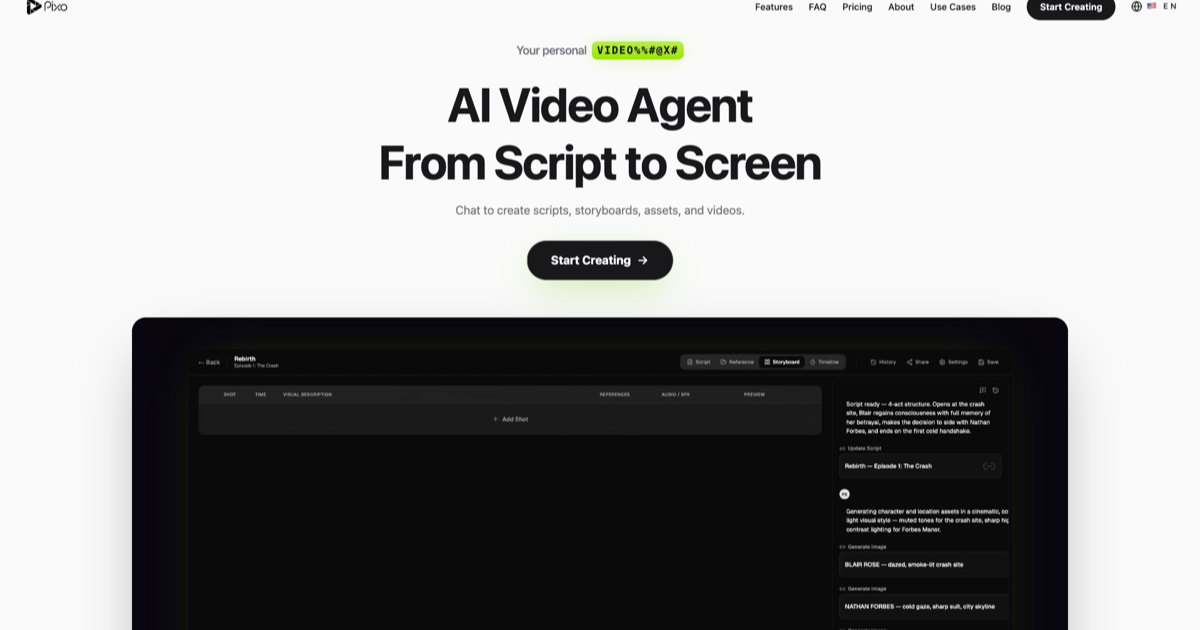
Pixo is an agent-driven AI video platform for creators and teams. Chat with an AI director that researches, scripts, storyboards, generates consistent scenes with leading video models, adds voiceover, and edits the final cut in one collaborative browser workspace.
ai video generatorai video agenttext to videoimage to videoscript to videostoryboardvideo editingcontent creationcharacter consistencyteam collaboration
What to expect from an ideal product
- Pixo's AI director builds a storyboard before generating any footage, so character descriptions, lighting, and scene framing stay locked across every clip from the start.
- Instead of regenerating scenes blindly, Pixo lets you chat with the director to tweak a specific shot without breaking the visual logic of the clips around it.
- Leading video generation models are connected inside one browser workspace, so you are not copy-pasting prompts between tools and losing style consistency in the process.
- Voiceover, pacing, and final editing happen in the same session where scenes were generated, which means fewer export and import cycles that introduce visual drift.
- Teams working together can see the storyboard, review generated clips, and request changes in one shared space instead of syncing notes across Figma, Docs, and Discord separately.

