This task can be performed using Tail Lens
Tailwind editor in browser
Best product for this task

Tail Lens
dev-tools
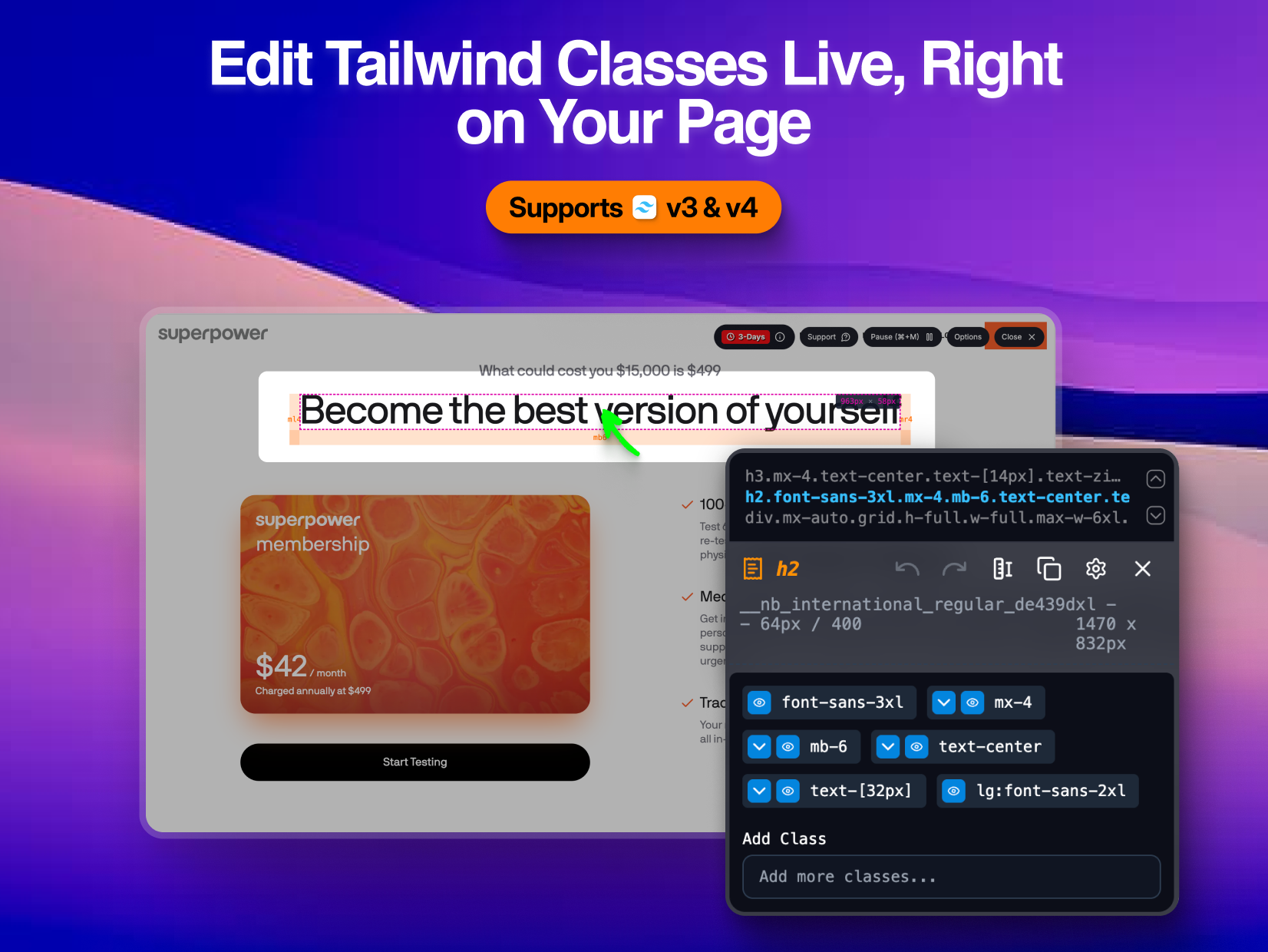
Visually tweak Tailwind classes in the browser. Inspect, edit, and preview changes real-time.
What to expect from an ideal product
- Tail Lens lets you click on any element to see which Tailwind classes are applied and how they change across different screen sizes
- You can edit responsive breakpoint classes directly in the browser and watch your layout adjust instantly without touching your code
- The tool highlights active utility classes at each breakpoint so you can quickly spot which responsive modifiers are working
- You can add, remove, or swap Tailwind classes through a visual interface and see the changes happen right on your page
- It shows you the exact class combinations that work before you copy them back to your actual code files

