This task can be performed using Blur It
Blur API keys and client data before you hit record.
Best product for this task

Blur It
productivity
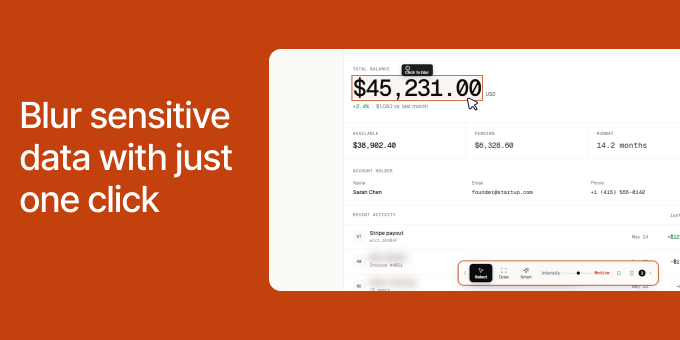
Recording demos shouldn't mean spending hours in the editing room. If you are a DevRel recording a tutorial or an agency owner sending a client report, you know the panic of accidentally showing a production API key or a client's ad spend on screen. Blur It is a Chrome extension that lets you click and blur any sensitive data on a live web page before you hit record.
Screen RecordingVideo EditingBuild In PublicPrivacySecurityData ProtectionChrome ExtensionBrowser Extension
What to expect from an ideal product
- Click on any sensitive text or data on your webpage to instantly blur it out before starting your screen recording
- Blur API keys, passwords, client information, and financial data directly on the live page without needing video editing software
- Set up your blurred areas once and they stay hidden throughout your entire recording session
- Record clean demos immediately instead of spending hours editing out sensitive information afterward
- Keep your production environment secure while still being able to create authentic tutorials and client presentations

