This task can be performed using Blur It
Blur API keys and client data before you hit record.
Best product for this task

Blur It
productivity
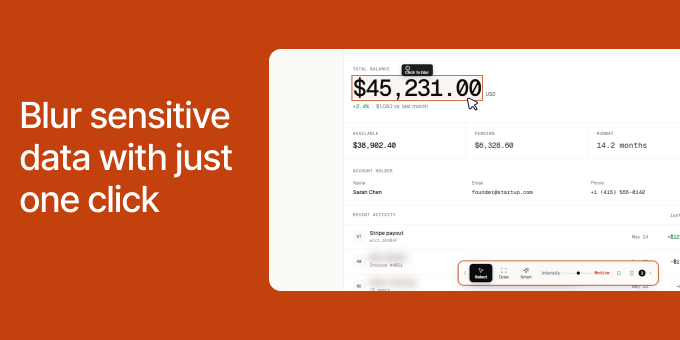
Recording demos shouldn't mean spending hours in the editing room. If you are a DevRel recording a tutorial or an agency owner sending a client report, you know the panic of accidentally showing a production API key or a client's ad spend on screen. Blur It is a Chrome extension that lets you click and blur any sensitive data on a live web page before you hit record.
Screen RecordingVideo EditingBuild In PublicPrivacySecurityData ProtectionChrome ExtensionBrowser Extension
What to expect from an ideal product
- Click to instantly blur sensitive API keys, passwords, and client information directly on web pages before starting your screen recording
- Skip the tedious video editing process by preventing data exposure upfront rather than blurring footage afterward
- Protect client confidentiality during live demos by selectively hiding account balances, spending data, and personal details in real-time
- Record tutorials worry-free knowing production credentials and sensitive information stay hidden from viewers throughout the entire session
- Save hours of post-production work while maintaining professional standards when creating client reports or educational content

