This task can be performed using Blur It
Blur API keys and client data before you hit record.
Best product for this task

Blur It
productivity
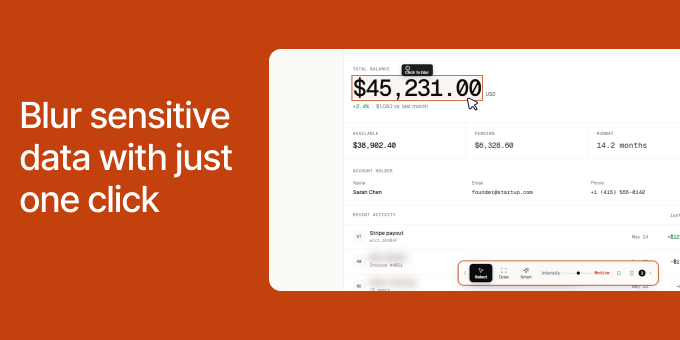
Recording demos shouldn't mean spending hours in the editing room. If you are a DevRel recording a tutorial or an agency owner sending a client report, you know the panic of accidentally showing a production API key or a client's ad spend on screen. Blur It is a Chrome extension that lets you click and blur any sensitive data on a live web page before you hit record.
Screen RecordingVideo EditingBuild In PublicPrivacySecurityData ProtectionChrome ExtensionBrowser Extension
What to expect from an ideal product
- Blur client ad spend figures directly in Google Ads or Meta Ads Manager before you start recording, no post-edit needed.
- Works on live pages inside Chrome, so you blur the real number in real time instead of hunting frames in a video editor.
- One click hides any sensitive figure, API key, or account ID without installing extra screen recording software.
- Agency owners can send screen-recorded reports to clients without exposing other clients' budget data sitting in the same dashboard.
- Cuts screen recording prep from 20 minutes of editing down to a few clicks before you hit record.

