This task can be performed using Smartbi
AI copilot that turns marketing data into next steps
Best product for this task
Smartbi
marketing
SmartBI brings your marketing data together in one place. SMARTY, your AI copilot, explains your performance and recommends clear, actionable next steps to grow your business.
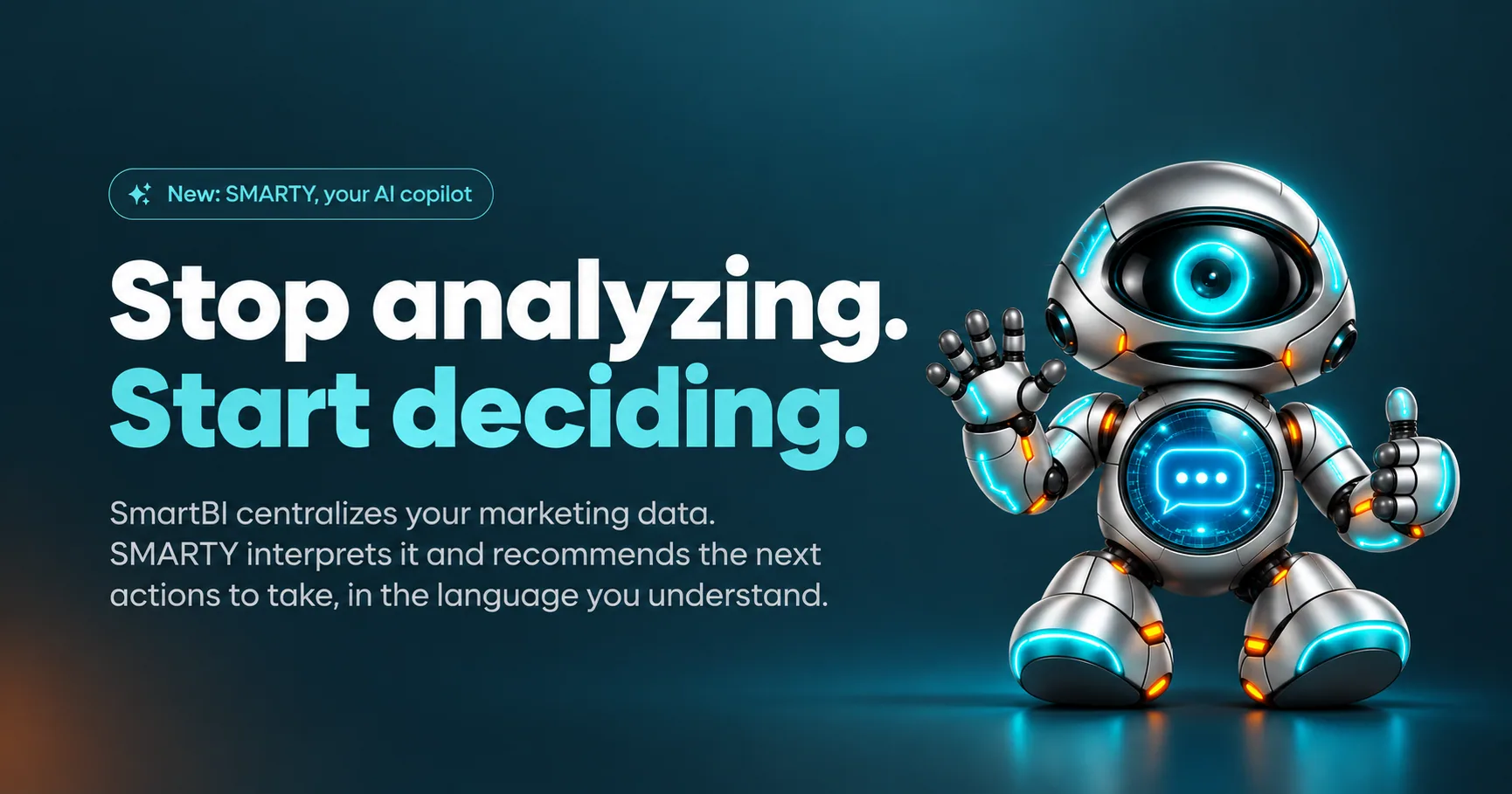
If you run a local business, use Google Ads, Meta Ads, or GA4, you can turn scattered performance data into one prioritized next step. This guide shows how to connect each platform, ask for google business profile analytics AI, apply a recommendation to a real situation, and verify the result with actual conversion data.
Prepare the data AI needs
Before requesting recommendations, make sure your accounts answer three basic questions:
- What action matters most, such as calls, bookings, purchases, or form submissions?
- Which locations, campaigns, or channels are active?
- What period should be compared with the previous period?
Use consistent date ranges and check that tracking is working. GA4 should record your key events. Google Ads and Meta Ads should show spend and results. Google Business Profile should have current profile activity.
If you need a broader view of the available approaches, compare marketing dashboard tools with Google Business Profile before choosing your setup. A useful dashboard should help you rank actions, not just display charts.
Connect Google, Meta, GA4, and local data
Choose a reporting setup that combines the platforms instead of reviewing each one in isolation.
- Connect Google Business Profile to capture local views, searches, calls, and direction requests.
- Add GA4 to compare traffic with meaningful events.
- Connect Google Ads to review spend, clicks, and campaign outcomes.
- Add Meta Ads, Facebook, or Instagram data if those channels support your growth.
- Tell the AI about your business, target customer, location, and primary goal.
SmartBI brings these sources together, while SMARTY explains what is happening and recommends practical next steps in English or French. You can start with Google Business Profile for free, without a credit card, then add other sources as needed.
This creates a marketing dashboard for local businesses that can connect local visibility with website and advertising activity. It also supports self-service analytics products when you need to investigate results without building spreadsheet reports manually.
Ask for one ranked recommendation
Do not ask, “How are my channels performing?” That usually produces a summary. Ask a decision-focused question instead:
“Considering my local visibility, ad spend, website events, and business goal, what single change should I make first this week, and why?”
Then review the recommendation against three checks:
- Impact: Could this change affect calls, leads, bookings, or sales?
- Evidence: Is it supported by more than one platform?
- Control: Can you test it without changing everything at once?
Example: a local campaign with weak results
Suppose Google Business Profile views and calls are stable, but Google Ads receives clicks without producing many tracked inquiries. Meta Ads is spending less but sending visitors who complete more GA4 events.
A useful AI recommendation might be to shift attention toward the better-supported audience or fix the Google Ads landing page and event tracking before increasing spend. Choose only one action. Record the current baseline, owner, date, and expected signal.
For more help choosing between possible actions, use business intelligence products as a reference point for how reporting can support decisions rather than merely present metrics.
Verify the recommendation before repeating it
After applying the change, schedule a follow-up review using the same date range and comparison rules.
- Confirm the change was actually implemented.
- Rescan the connected data for the same business goal.
- Check whether the recommended signal moved in the expected direction.
- Monitor real conversion data, not only an AI evaluation or engagement metric.
- Keep the change only if the result supports your objective.
Do not treat a rescan as proof that conversion rates improved. It is an evaluated signal that helps you decide what to monitor next.
More topics related to Smartbi
Similar topics
- How to turn marketing data into clear next steps with AI?
- How to turn marketing data into clear next actions with AI
- Best AI Copilot for Marketing Performance Recommendations
- How to combine campaign data and find ways to improve performance?
- Cross-Channel Marketing Reporting Workflow for Clear Action Items

