This task can be performed using Smartbi
AI copilot that turns marketing data into next steps
Best product for this task

Smartbi
marketing
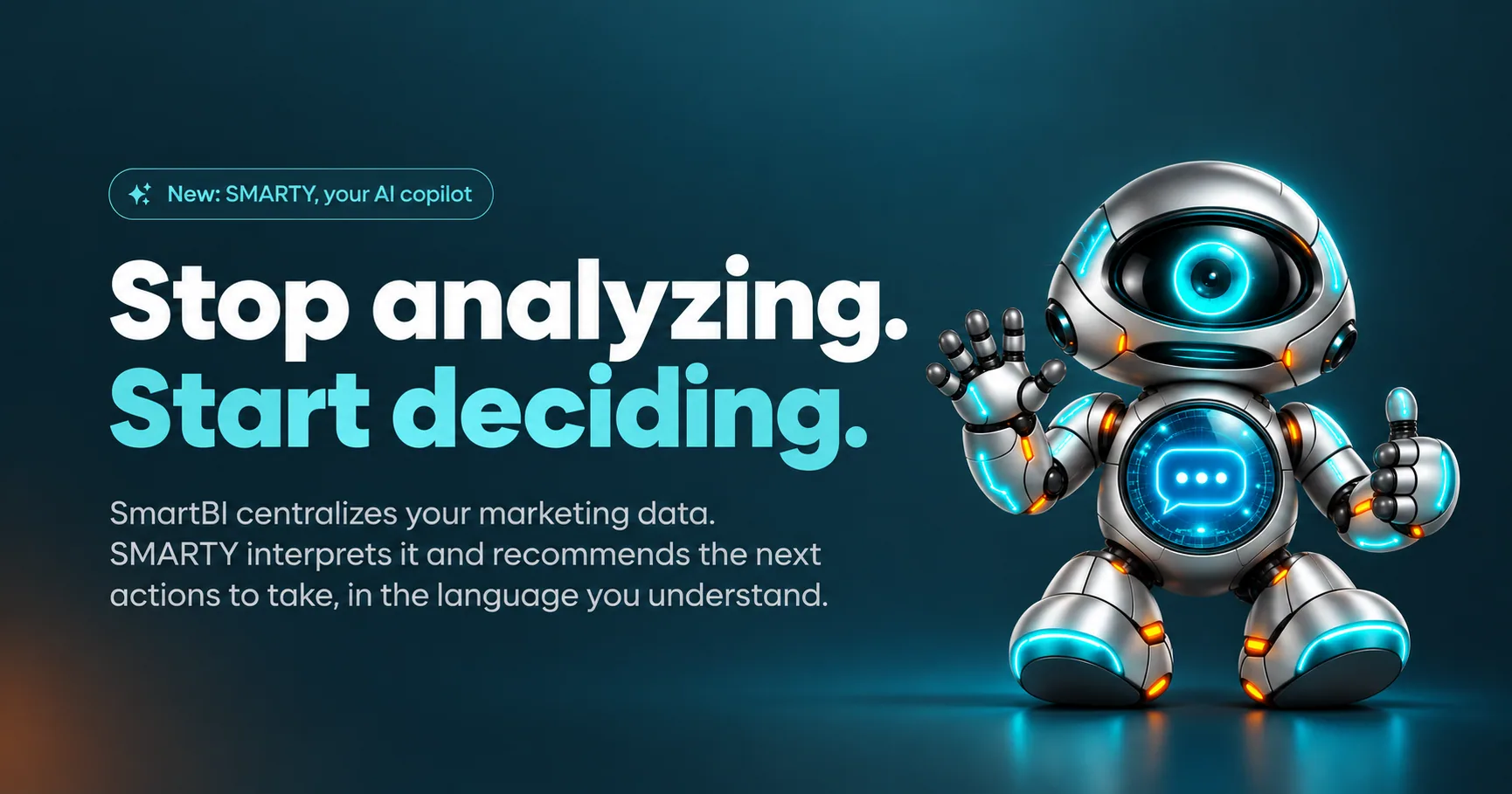
SmartBI brings your marketing data together in one place. SMARTY, your AI copilot, explains your performance and recommends clear, actionable next steps to grow your business.
If your small business has data in GA4, Google Ads, Meta Ads, or Google Business Profile but no clear priority, use an AI marketing analytics copilot to turn scattered numbers into one testable action. This guide shows how to connect the right data, ask for an explanation, choose a next step, and verify the result without treating AI output as proof.
Prepare the data and decision
Before opening a marketing analytics AI assistant, define the decision you need to make.
For example: “Should I improve a website landing page or adjust my paid campaign first?”
Prepare:
- A connected source, such as GA4, Google Ads, Meta Ads, Facebook, Instagram, or Google Business Profile
- A clear business goal, such as more calls, visits, leads, or sales
- A recent comparison period
- Basic context about your offer, audience, location, and budget
This context matters because the same click or visit can mean different things for different businesses. A marketing data analysis AI tool can identify patterns, but it needs your business situation to recommend a relevant action.
If you need a broader view of how data tools fit into decision making, compare options in business intelligence products and focus on whether they explain results, not just display them.
1. Bring the key channels together
Connect only the sources needed for the decision. Combining every available account can create noise and make the recommendation harder to follow.
For a local service business, start with:
- Google Business Profile for discovery and calls
- GA4 for website behavior
- Google Ads or Meta Ads for paid traffic
A marketing dashboard with AI insights should let you view these signals in one place, while still showing which source supports each conclusion. Look for changes in traffic, engagement, leads, calls, and cost. Do not assume that the largest number is the most important one.
SmartBI brings supported marketing data together, and SMARTY can explain what is happening in English or French. You can start with Google Business Profile for free, then connect other sources when you need them.
2. Ask AI to explain the performance
Give the AI a focused question instead of asking for a general report. For example:
“Website visits increased, but inquiries did not. What changed, what might explain it, and what should I test first?”
A useful AI tool that explains marketing performance should return three parts:
- Observation: what changed in the selected period
- Possible explanation: which channel, page, audience, or behavior may be related
- Next action: one specific change to make
Ask it to separate facts from hypotheses. “Landing-page visits rose” is an observation. “The offer is unclear” is a hypothesis that requires testing.
If you are comparing self-serve options, selfservice analytics products are most useful when non-specialists can ask questions and inspect the reasoning behind an answer.
3. Choose one action and set a check
Suppose SMARTY identifies more paid traffic but fewer completed contact forms. A practical recommendation might be to review the landing page form and its message before increasing ad spend.
Turn that recommendation into a small test:
- Action: simplify the form or clarify the offer
- Measure: completed forms and qualified inquiries
- Comparison: the same period before the change
- Review date: choose a date based on your normal traffic volume
This is where actionable marketing insights software can help. Keep the recommendation visible beside the metric it is meant to change. Avoid making several changes at once, because you will not know which change affected the result.
4. Verify the recommendation with real data
After the test period, ask the copilot to rescan the same metrics. Treat the rescan as an evaluated signal, not proof of improved conversion performance.
More topics related to Smartbi
Similar topics
- How to turn marketing data into clear next steps with AI?
- Best AI Copilot for Marketing Performance Recommendations
- How to combine campaign data and find ways to improve performance?
- Cross-Channel Marketing Reporting Workflow for Clear Action Items
- How to analyze marketing data without spreadsheets or a data analyst

