This task can be performed using Pinchtab
Stealthy, scalable browser automation with real-time orchestration control
Best product for this task

Pinchtab
oss
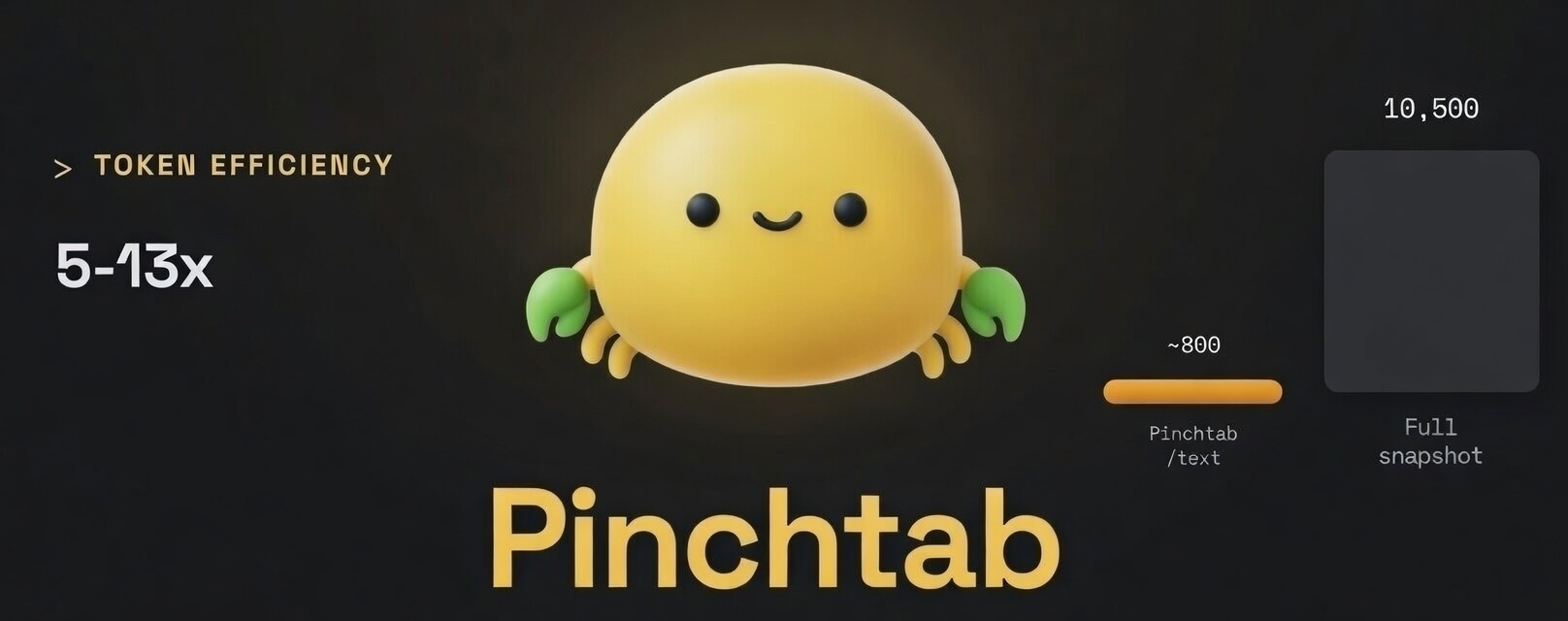
PinchTab is a lightweight browser automation bridge that lets AI agents control real Chrome instances via HTTP and CLI. It supports multi-instance orchestration, persistent profiles, stealth injection, and token-efficient text extraction for scalable, reliable web automation.
What to expect from an ideal product
- Uses real Chrome browser instances instead of headless versions to avoid detection while extracting text from multiple web pages simultaneously
- Maintains persistent browser profiles that keep cookies, sessions, and login states active across different text extraction tasks
- Offers token-efficient text extraction that pulls only the content you need without downloading unnecessary page elements or media files
- Supports running multiple browser instances at once so you can extract text from dozens of websites while keeping each session separate and stable
- Provides HTTP and command-line control options that let you manage long-running text extraction jobs without losing browser state or having to restart sessions

