This task can be performed using Pinchtab
Stealthy, scalable browser automation with real-time orchestration control
Best product for this task

Pinchtab
oss
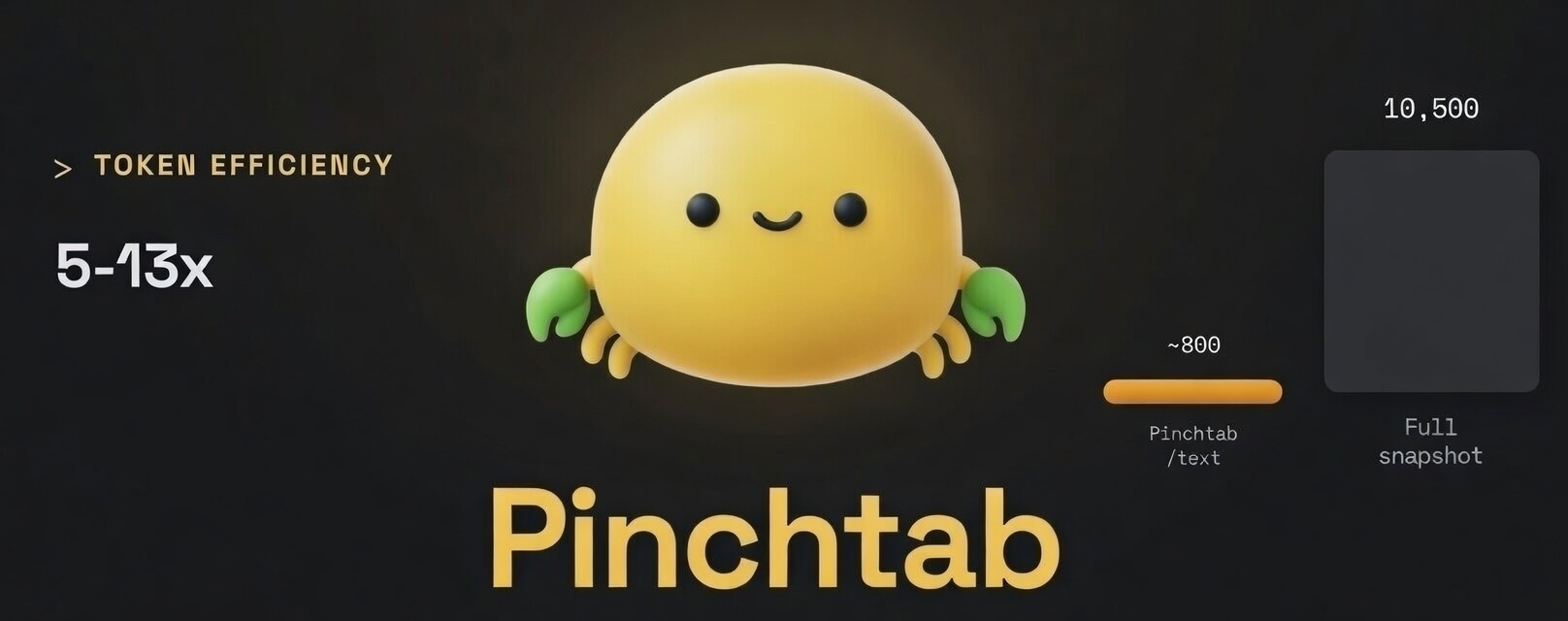
PinchTab is a lightweight browser automation bridge that lets AI agents control real Chrome instances via HTTP and CLI. It supports multi-instance orchestration, persistent profiles, stealth injection, and token-efficient text extraction for scalable, reliable web automation.
What to expect from an ideal product
- Launch multiple Chrome browser instances at once through simple HTTP requests or command line controls without complex setup
- Keep each browser session running with its own saved profile so you can maintain logins and settings across different scraping tasks
- Run browsers that look like real human users to avoid getting blocked by websites that detect automated traffic
- Control all your browser instances from one place, starting and stopping them as needed while monitoring their status in real-time
- Pull text content from web pages efficiently without wasting resources on unnecessary data, making large-scale scraping faster and cheaper

