This task can be performed using Maestro
End-to-end testing for Mobile and Web apps.
Best product for this task

Maestro
dev-tools
End-to-end testing for mobile & web. YAML-based, supports MCP. Run via CLI, Cloud, or Desktop. Ridiculously simple.
What to expect from an ideal product
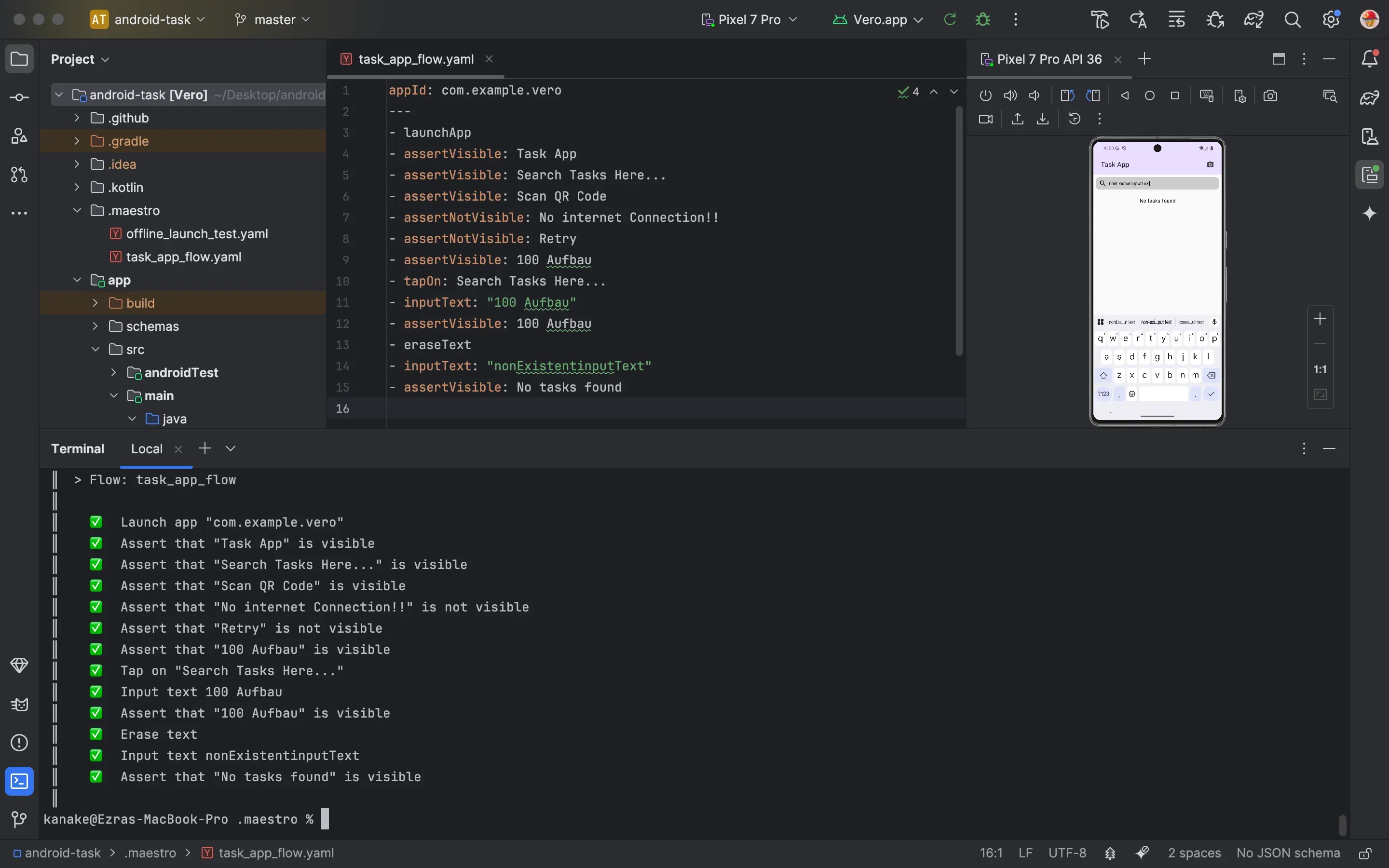
- Maestro uses simple YAML files to write tests that work the same way whether you run them from command line, cloud platforms, or desktop apps
- You can run your mobile and web tests from any environment without changing the test code - just pick CLI for automation, cloud for team collaboration, or desktop for local debugging
- The tool handles both mobile apps and web applications with the same testing approach, so you don't need separate tools for different platforms
- Tests run consistently across all three environments, meaning what works on your desktop will work the same way in your CI/CD pipeline or cloud setup
- Built-in MCP support lets you integrate testing into existing workflows while keeping the same simple YAML format across command line scripts, cloud services, and desktop testing sessions

