This task can be performed using QRLagoon
Editable QR codes for trackable offline marketing.
Best product for this task
QRLagoon
marketing
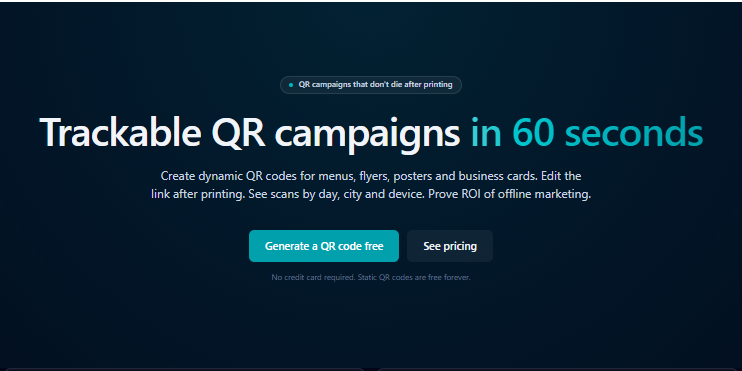
QRLagoon helps restaurants, small businesses, marketers, creators, and agencies create dynamic QR codes for menus, flyers, posters, business cards, packaging, events, and campaigns. Unlike static QR codes, they can be edited after printing, so you can update destination links without replacing materials. The platform also provides privacy-friendly scan analytics by city and device type, helping you understand performance and turn QR codes into reusable marketing assets across offline channels.
dynamic qr codesqr code generatoreditable qr codesscan analyticsoffline marketingno-codesmall business
What to expect from an ideal product
- QRLagoon creates dynamic QR codes that stay connected to your account, letting you change where they point without reprinting materials
- You can update the destination URL anytime through the dashboard, so printed menus, flyers, or business cards never become outdated
- The codes work by redirecting through QRLagoon's system, which means the printed code stays the same while the actual destination can be swapped out
- Track which codes get scanned and from where, so you know if your printed materials are working and can adjust the content accordingly
- Save money and time by reusing the same physical materials for different campaigns - just update what the QR code points to instead of reprinting everything

