This task can be performed using QRLagoon
Editable QR codes for trackable offline marketing.
Best product for this task
QRLagoon
marketing
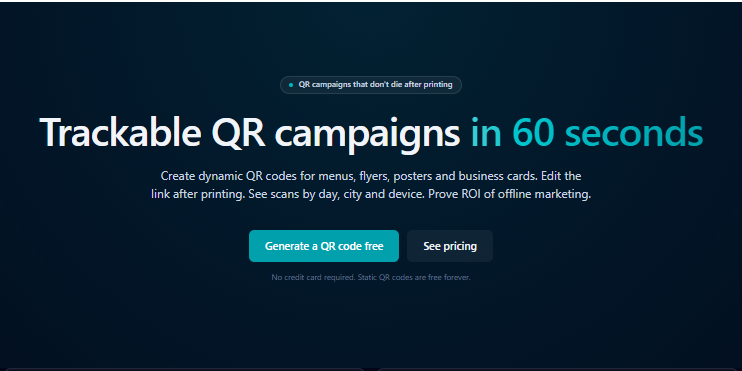
QRLagoon helps restaurants, small businesses, marketers, creators, and agencies create dynamic QR codes for menus, flyers, posters, business cards, packaging, events, and campaigns. Unlike static QR codes, they can be edited after printing, so you can update destination links without replacing materials. The platform also provides privacy-friendly scan analytics by city and device type, helping you understand performance and turn QR codes into reusable marketing assets across offline channels.
dynamic qr codesqr code generatoreditable qr codesscan analyticsoffline marketingno-codesmall business
What to expect from an ideal product
- QRLagoon lets you change the destination URL of any printed QR code from your dashboard, so your flyers, posters, and menus stay accurate without going back to the printer.
- Dynamic QR codes work the same way static ones do for the person scanning, but you keep full control over where they land after the print run is done.
- If you run seasonal promotions or update your menu weekly, one printed QR code can point to a different page every time without touching the physical material.
- Built-in scan analytics show you which cities and device types are driving traffic, so you know whether your offline campaign is actually working before spending more on print.
- Small businesses and agencies use QRLagoon to turn a single QR code into a long-term marketing asset instead of a one-time throwaway printed on a stack of flyers.

