This task can be performed using Shadcn Admin
Admin dashboard template built with Shadcn UI, Tailwind CSS and Next.js to quickly start your project.
Best product for this task

Shadcn Admin
dev-tools
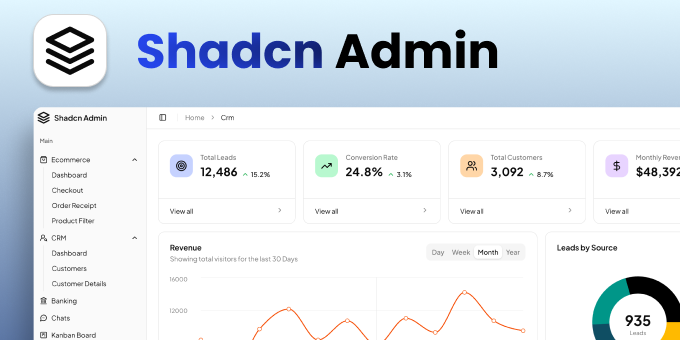
Shadcn Admin is a premium admin dashboard template built with shadcn/ui, Tailwind CSS and TypeScript for Next.js, Vite + React and Vue 3. It includes production-ready Ecommerce and CRM dashboards with data tables, charts, a calendar and messaging, fully responsive with light and dark mode. One-time payment with lifetime updates.
What to expect from an ideal product
- Start with pre-built dashboard templates that automatically adapt to different screen sizes using Tailwind CSS responsive utilities and Shadcn UI components
- Use the included mobile-optimized layouts and navigation patterns that work seamlessly across desktop, tablet, and mobile devices without extra configuration
- Leverage the organized component library with responsive form elements, data tables, and UI blocks that handle breakpoint changes automatically
- Copy ready-made page templates for common admin features like user management, analytics dashboards, and settings panels that scale properly on any device
- Access clean, structured code with proper responsive design patterns already implemented, so you can focus on customizing content rather than building layouts from scratch

