This task can be performed using Shadcn Admin
Admin dashboard template built with Shadcn UI, Tailwind CSS and Next.js to quickly start your project.
Best product for this task

Shadcn Admin
dev-tools
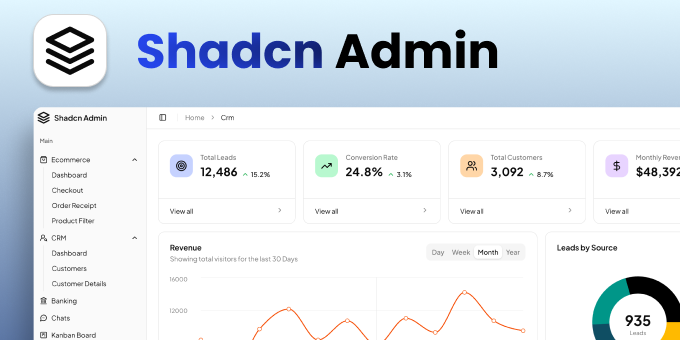
Shadcn Admin is a premium admin dashboard template built with shadcn/ui, Tailwind CSS and TypeScript for Next.js, Vite + React and Vue 3. It includes production-ready Ecommerce and CRM dashboards with data tables, charts, a calendar and messaging, fully responsive with light and dark mode. One-time payment with lifetime updates.
What to expect from an ideal product
- Start with pre-built dashboard templates and subpages instead of coding everything from scratch, cutting development time by weeks
- Get a complete set of ready-to-use components so you don't have to build basic UI elements like tables, forms, and charts yourself
- Use the clean, organized folder structure and TypeScript setup to avoid spending hours figuring out project architecture
- Deploy immediately on any device since all pages are already responsive and mobile-optimized without extra work
- Stay current with automatic updates through Github access instead of manually tracking framework changes and security patches

