This task can be performed using UploadOff
Convert images and PDFs in your browser. Your files never leave your device.
Best product for this task

UploadOff
productivity
Free image and PDF tools that run in your browser: HEIC to JPG, compress, resize and crop images, merge, split and convert PDFs. No upload, no account, no daily limit.
What to expect from an ideal product
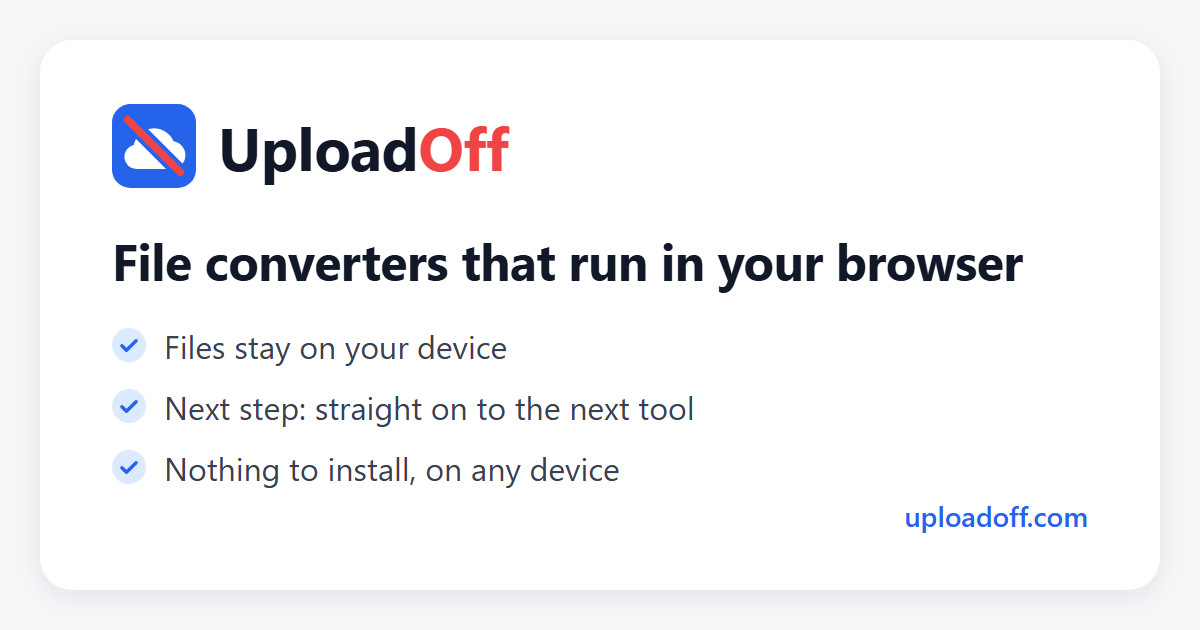
- UploadOff converts HEIC photos to JPG directly in your browser, so your pictures never touch a server or third-party storage.
- No account to create, no file size limits to work around, and no waiting for uploads to finish before you can download your converted JPG.
- The conversion runs entirely on your device using browser-based processing, which means it works offline once the page has loaded.
- If you shoot photos on an iPhone and need JPGs that actually open on Windows or older software, this tool handles the format gap in seconds.
- Beyond HEIC to JPG, UploadOff also lets you compress, resize, crop, merge PDFs, and split PDFs without switching tools or signing up for anything.