This task can be performed using Seedance 3 AI
Free 4K cinematic AI videos from your words and images
Best product for this task

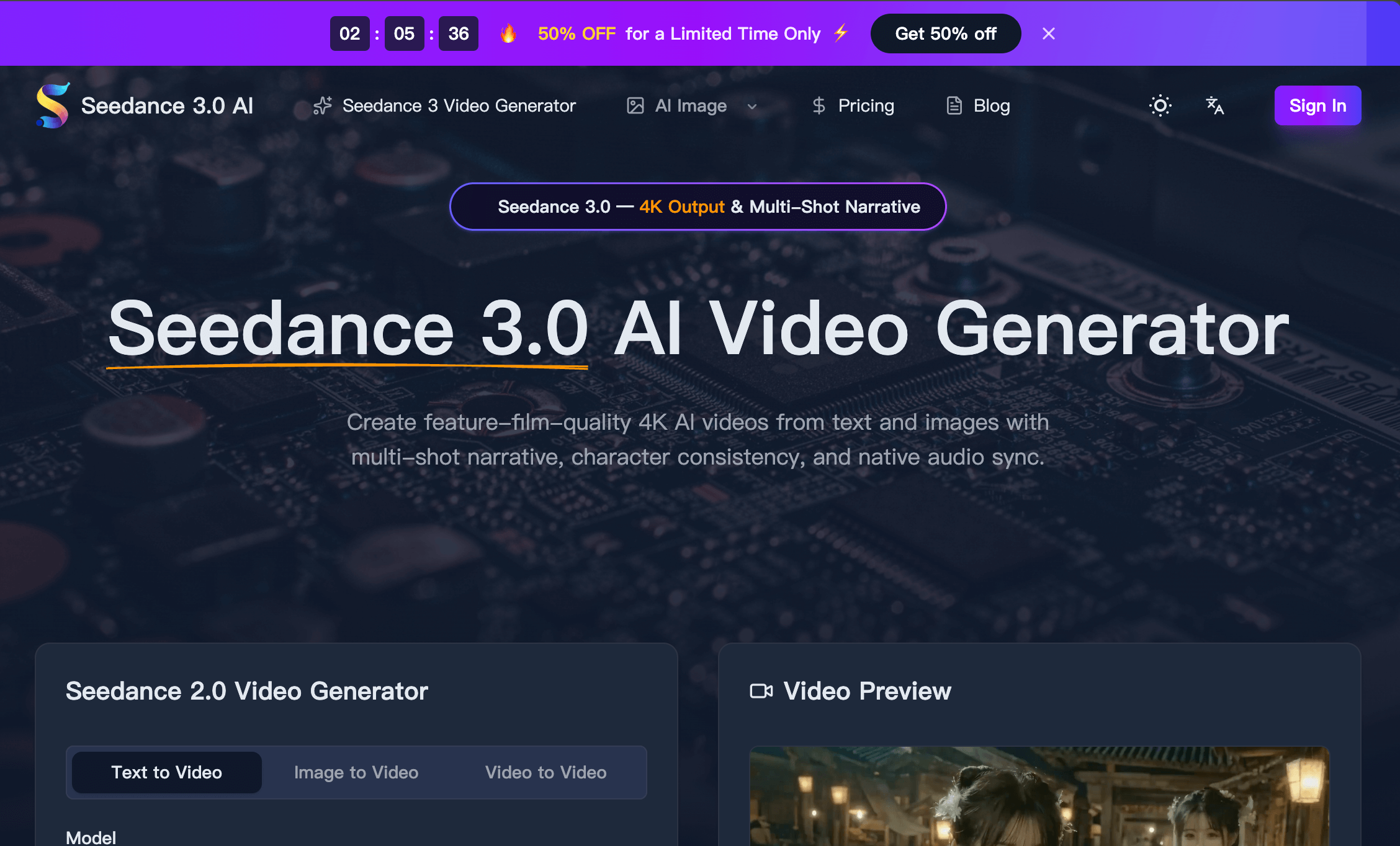
Seedance 3.0 is an AI video generator that creates 4K cinematic, multi-shot narratives from text, images, or audio with character consistency, native audio sync, and professional camera control in minutes.
cinematic generatortext video engine4k storytellervideo productionai filmmakingcreative studioscontent creationvisual storytelling
What to expect from an ideal product
- Seedance 3 AI lets you set camera angles, pans, and zooms through text prompts alone, no camera crew or physical setup needed.
- You can generate a full 4K cinematic sequence with multiple shots and consistent characters starting from a single image or a few lines of text.
- Native audio sync means your generated video aligns dialogue, music, or sound cues to the visuals automatically, without manual editing.
- Seedance 3 handles multi-shot storytelling in one generation, so you get scene-to-scene continuity without stitching clips together by hand.
- If you have a product photo or a character reference, Seedance 3 turns it into a moving cinematic video while keeping visual identity intact across every frame.