This task can be performed using Glasser
Pay-as-you-go data APIs for AI agents
Best product for this task
Glasser
dev-tools
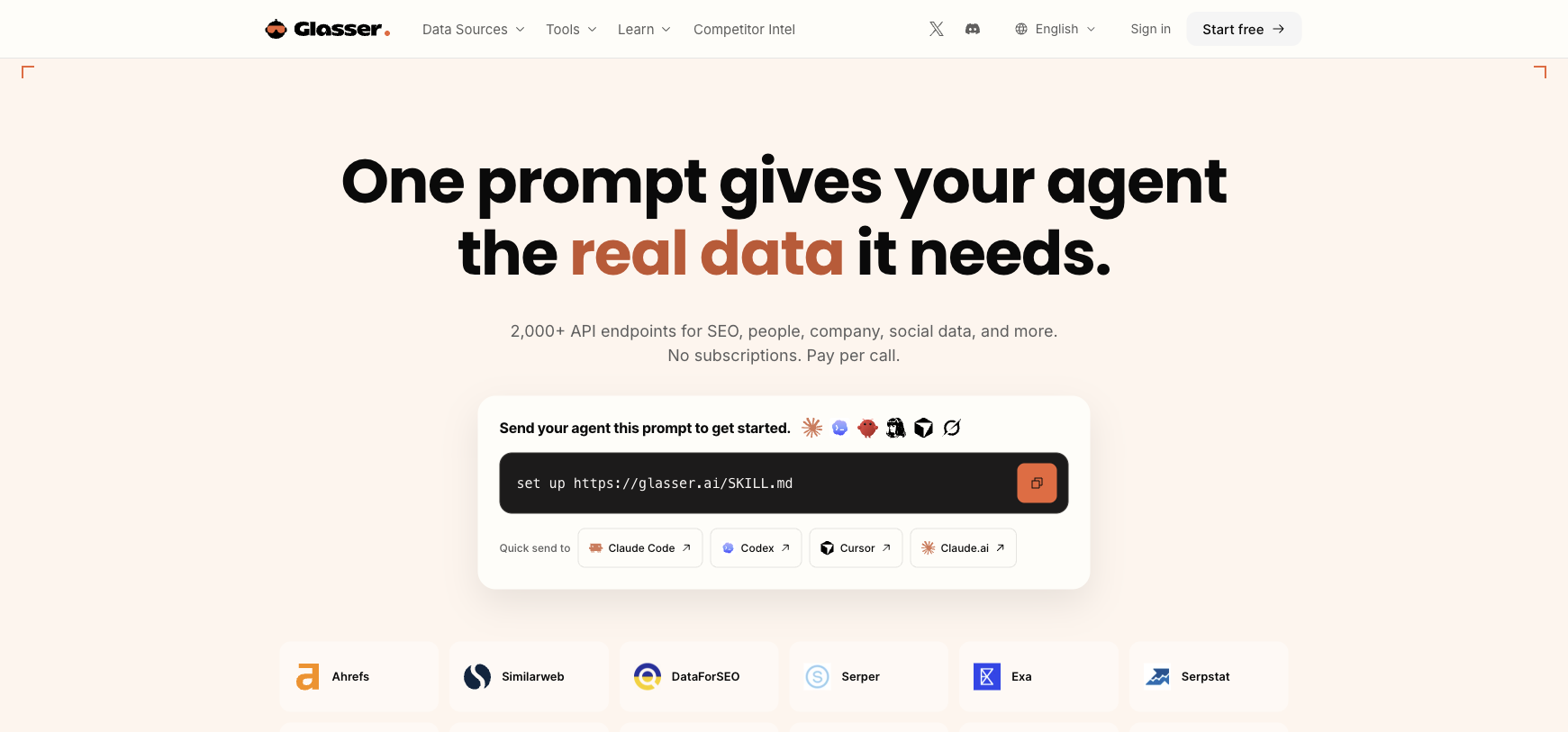
Connect AI agents to 2,000+ data APIs through MCP, skills or the CLI. Discover endpoints, inspect schemas and prices, and pay per call from one prepaid balance.
What to expect from an ideal product
- Glasser connects AI agents to 2,000+ live data APIs through MCP, so your agent can pull real-time data without you building or maintaining any connectors yourself.
- Browse, inspect and compare API endpoints and their schemas before committing, then pay only for the calls your agent actually makes from a single prepaid balance.
- No monthly subscriptions or per-seat pricing: Glasser runs on a pay-per-call model, which keeps costs tied directly to your agent's actual usage.
- Setting up a live API connection takes minutes through the MCP integration, the CLI, or prebuilt skills, depending on how your agent stack is structured.
- When your AI agent needs fresh external data like pricing, weather, financials or logistics, Glasser gives it a single access point instead of juggling dozens of separate API keys and billing accounts.