This task can be performed using Smartbi
AI copilot that turns marketing data into next steps
Best product for this task
Smartbi
marketing
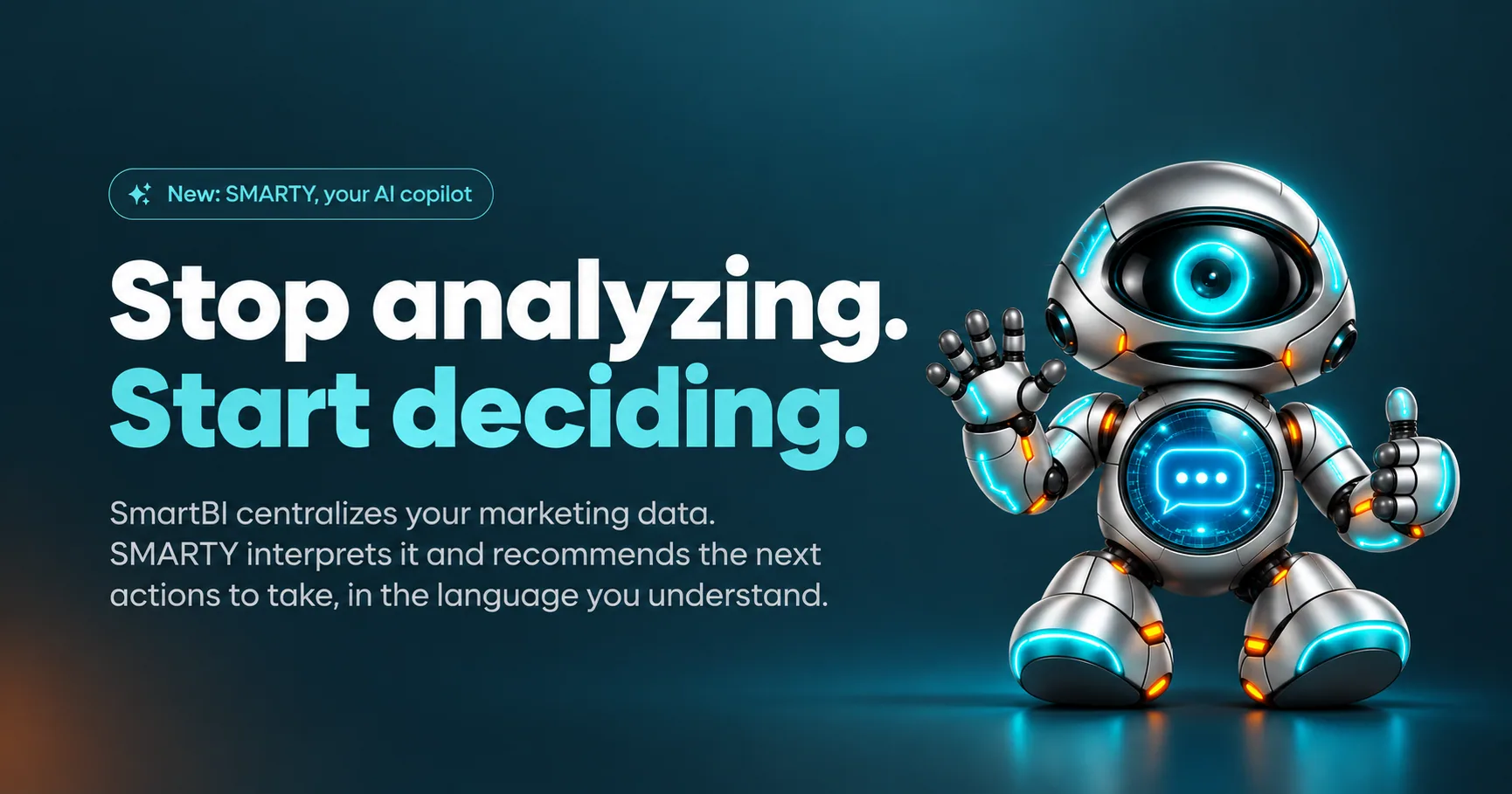
SmartBI brings your marketing data together in one place. SMARTY, your AI copilot, explains your performance and recommends clear, actionable next steps to grow your business.
If your small business checks GA4, Google Ads, Meta Ads, and Google Business Profile separately, use this guide to connect them into one view. You will standardize the key metrics, compare channels more fairly, and choose a dashboard that makes performance easier to act on.
1. Decide what each platform should answer
Before connecting anything, write down the decision your unified marketing data dashboard should support.
Use each platform for a specific question:
- GA4: What happened on your website?
- Google Ads: Which paid searches and campaigns drove traffic or conversions?
- Meta Ads: Which Facebook or Instagram campaigns generated results?
- Google Business Profile: How did local visibility lead to calls, directions, or website visits?
This prevents a common mistake: treating every platform’s “conversion” or “click” as identical. A click in an ad platform is not the same as a session in GA4.
Create a short metric list, such as:
- Spend
- Impressions
- Clicks
- Sessions
- Leads or purchases
- Cost per result
- Engagement or profile actions
If you need help comparing broader marketing products, focus on whether they support these decisions, not how many charts they display.
2. Prepare access and tracking
To combine GA4, Google Ads, and Meta Ads reporting, confirm that you have administrator or analyst access to each account. Also check that:
- GA4 is installed on the correct website
- Google Ads and GA4 use compatible conversion definitions
- Meta events or conversions are configured consistently
- Campaign names identify the channel, offer, and audience
- Google Business Profile is connected to the correct location
Use consistent naming before importing data. For example, spring-service-search is easier to compare than several abbreviated campaign names.
A business intelligence product can combine sources, but it cannot correct missing tags or inconsistent conversion setup. Fix the inputs first.
3. Connect the four platforms to one dashboard
Choose a tool that supports GA4, Google Ads, Meta Ads, and Google Business Profile in the same workspace. Then connect each account one at a time and approve only the access required.
With Smartbi, Smartbi GA4 integration, Smartbi Google Ads integration, Smartbi Meta Ads integration, and Smartbi Google Business Profile integration bring these sources together. Smartbi starts with Google Business Profile for free, and paid plans can be tried free for 14 days.
After connecting, verify that the dashboard shows:
- The correct account and date range.
- Recent data from every platform.
- The same timezone and currency where applicable.
- Separate source labels for Google, Meta, GA4, and GBP.
- A clear difference between platform-reported and website-reported conversions.
This creates one dashboard for Google Business Profile and ads without forcing you to switch between reports.
4. Compare the data without misleading yourself
Build a simple comparison view with one row per channel and columns for spend, clicks, sessions, conversions, and cost per conversion. Add a note explaining each metric’s source.
For example, if Google Ads reports 20 conversions while GA4 reports 14, do not immediately decide that one platform is wrong. Check attribution windows, event definitions, duplicate tags, and reporting delays.
A data visualization product is useful here when it helps you spot gaps quickly. The goal is not to place all marketing metrics in one place without context. The goal is to make comparable information visible.
Common mistakes to check
- Comparing Meta impressions with GA4 sessions as if they were the same.
- Mixing different date ranges or timezones.
- Counting leads twice after importing multiple conversion events.
- Ignoring offline calls or GBP actions.
- Changing campaign names mid-month.
- Choosing a dashboard with charts but no practical explanation.
If you want an AI layer that explains what the numbers may mean, Smartbi includes SMARTY, which turns connected marketing data into clear next-step recommendations in English or French.
More topics related to Smartbi
Similar topics
- How to turn marketing data into clear next steps with AI?
- How to turn marketing data into clear next actions with AI
- Best AI Copilot for Marketing Performance Recommendations
- How to combine campaign data and find ways to improve performance?
- Cross-Channel Marketing Reporting Workflow for Clear Action Items

