This task can be performed using Lightfriend
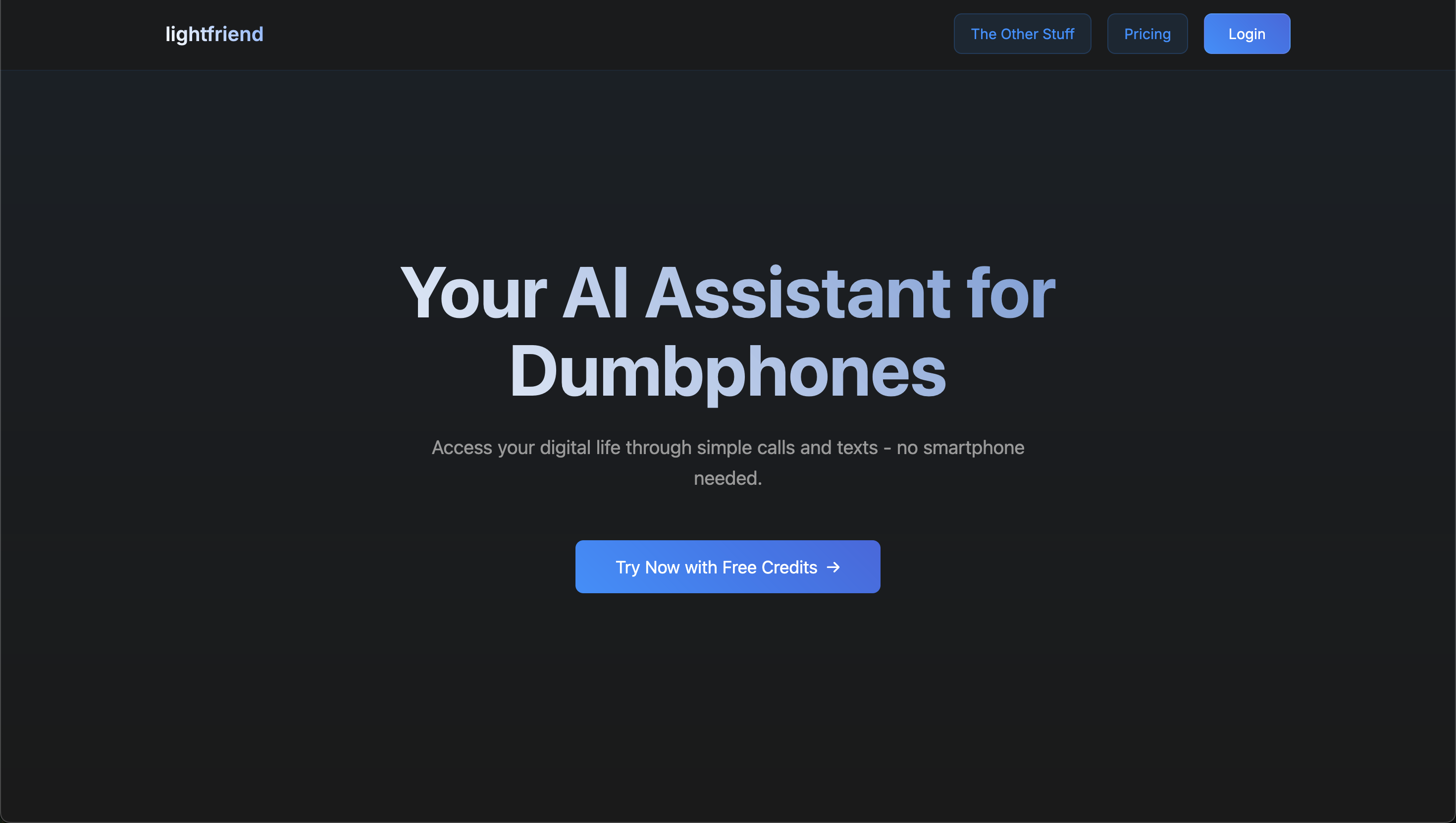
Use your dumbphone smarter with AI-powered assistance.
Best product for this task

Access your WhatsApp, email, calendar and more through SMS and Voice calling.
What to expect from an ideal product
- Call lightfriend's voice line and speak your email address to connect to your inbox
- Listen as the system reads your new emails out loud over the phone call
- Navigate through different emails by using simple voice commands during the call
- Reply to emails by dictating your response through the voice interface
- Delete or mark emails as read using voice prompts without needing internet access

