This task can be performed using PastReads
Web & Ebook Highlighter & Organizer
Best product for this task

PastReads
productivity
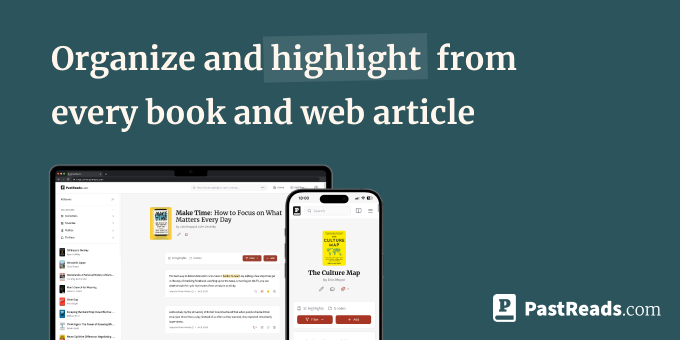
PastReads helps you capture and revisit what matters. Highlight anything from the web using the Chrome Extension, and easily import highlights from your Kindle, Kobo, and Apple Books. Organize, edit, and tag your highlights in one place. Stay inspired with daily reminders of what you've read. Whether it’s an article or an ebook, PastReads keeps your favorite insights at your fingertips.
What to expect from an ideal product
- Use the Chrome extension to highlight text directly on any website or online article you're reading
- Import existing highlights from your Kindle, Kobo, and Apple Books so all your saved passages are in one spot
- Add tags and organize your captured text by topic, project, or whatever system works for you
- Edit your highlights after saving them to clean up formatting or add your own notes
- Get daily reminders that bring back random highlights so you actually revisit the good stuff you saved

