This task can be performed using Huez.ai
Simplify your illustrated book creation
Best product for this task

Huez.ai
book
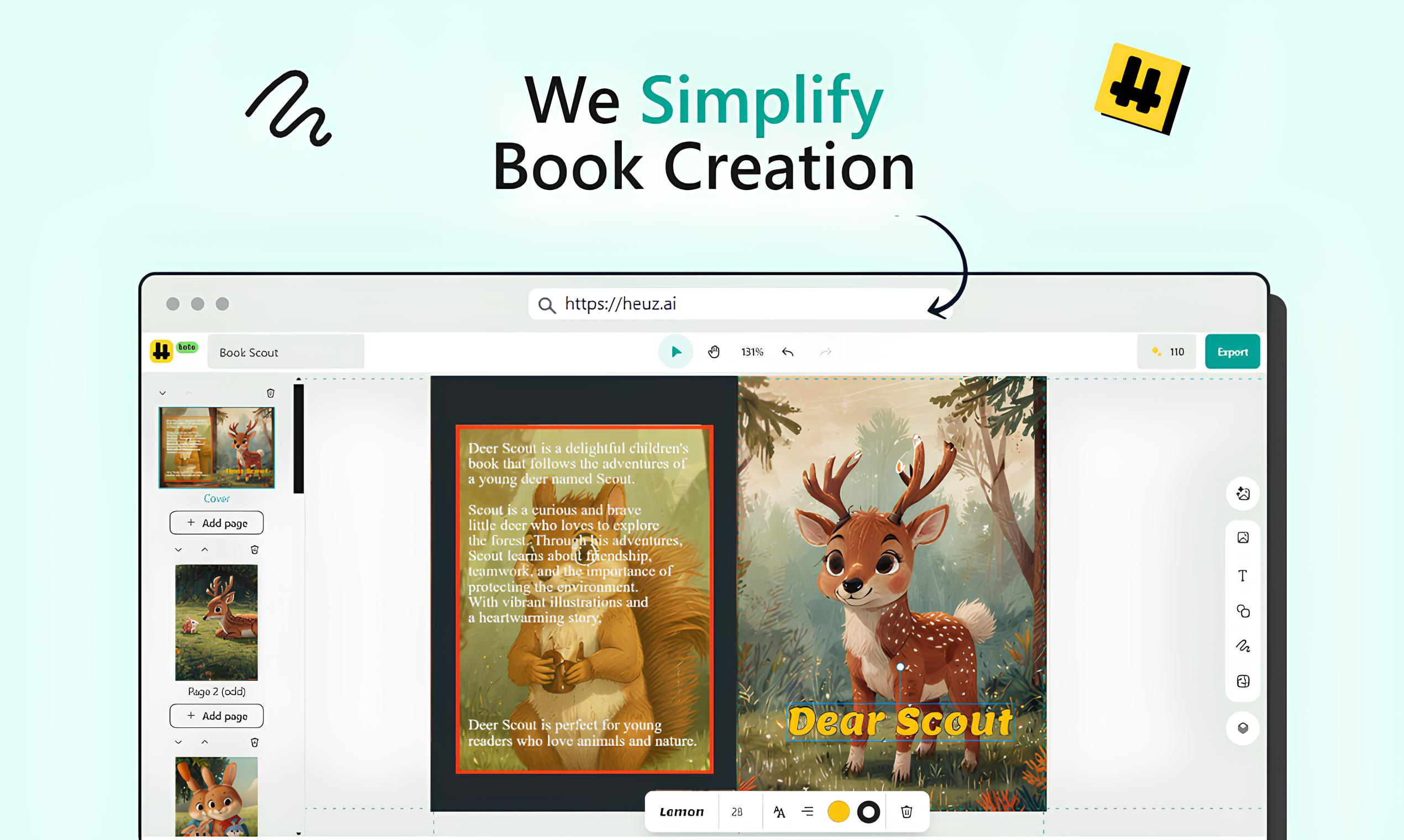
Illustrated book creator with user-friendly tools that allow you to add texts, personal photos, or generated illustrations, and even generated mazes, to your page design.
What to expect from an ideal product
- Drag and drop your own photos into the book design
- Type custom text directly onto book pages
- Choose from a variety of fonts and text styles
- Generate unique illustrations to fit your story
- Add fun mazes to engage young readers

