This task can be performed using Cleanbox
Email aliases, AI spam filtering, and a full SMTP relay
Manage Multiple Client Inboxes
This setup is for freelancers who handle several client-facing addresses but want one controlled place to receive mail. The trigger is usually growing spam, identity crossover, or uncertainty about where an address was shared. Use email aliases to keep the real mailbox private.
Incoming messages should be screened before reaching the inbox, then routed by client, urgency, and risk. Outbound mail should use the correct identity. A good outcome is less manual sorting, fewer exposed addresses, and no missed client messages or mailbox migration.
Best product for this task

Cleanbox
productivity
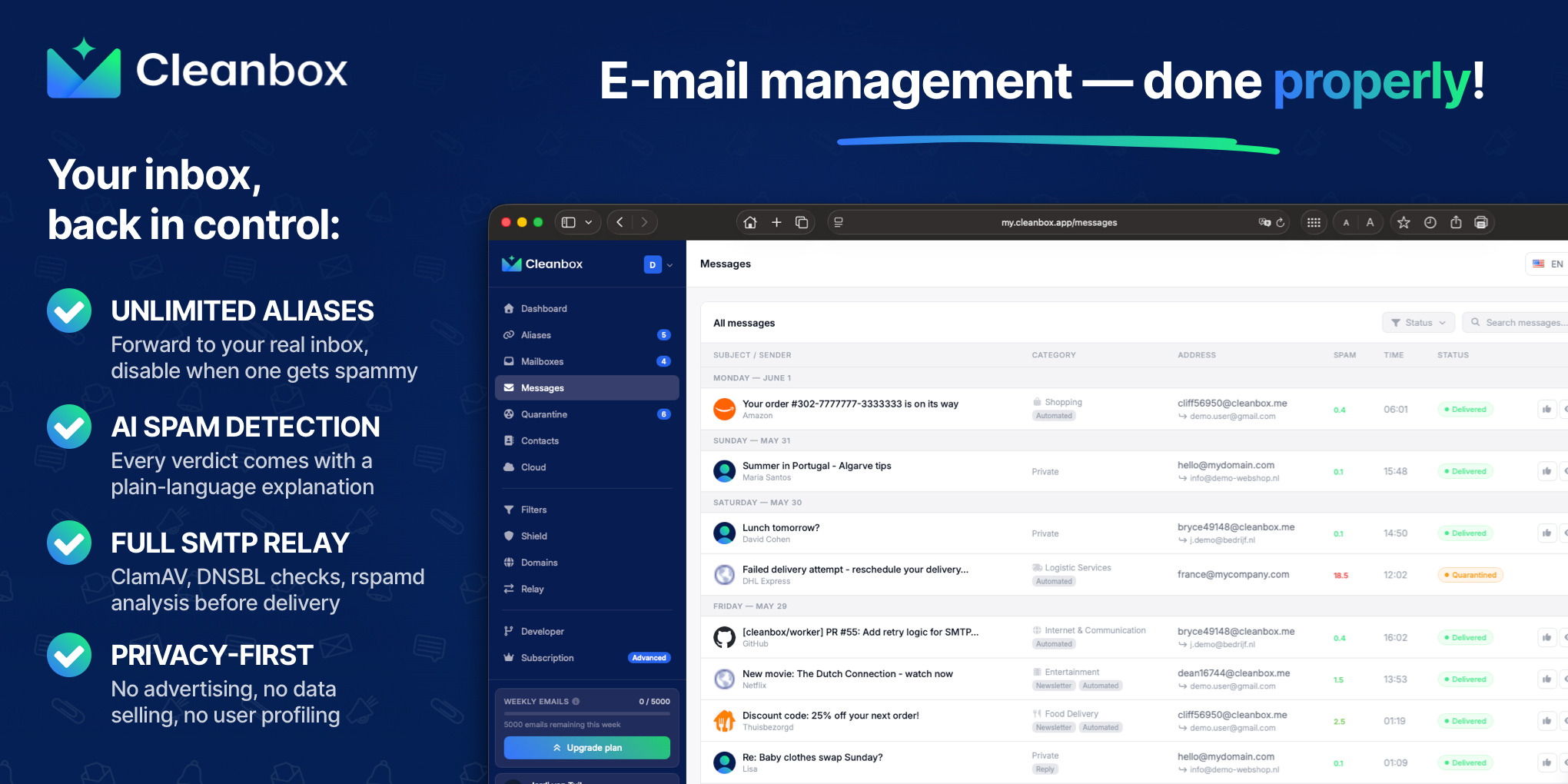
Cleanbox sits between the internet and your inbox. Every incoming email goes through spam scoring, virus scanning, AI classification, and your own rules before delivery. Create unlimited aliases that forward to your real inbox, build custom filters, and use Cleanbox as a complete SMTP relay. Works with Gmail, Outlook, iCloud, Yahoo, or any IMAP provider, no migration needed. Privacy-first: no advertising, no data selling, no user profiling.
What to expect from an ideal product
- Supports unlimited aliases so each client relationship gets a dedicated address that can be paused or deleted without touching your real inbox
- AI-powered spam and virus filtering runs before delivery, keeping high-volume multi-client inboxes clean without manual triage
- Works as a full SMTP relay, meaning outbound mail sent on behalf of aliases stays consistent and doesn't expose your personal address
- Compatible with Gmail, Outlook, iCloud, and any IMAP provider, so no inbox migration is required when adopting the tool
- No advertising, data selling, or user profiling, which matters when client communications contain confidential or commercially sensitive content
More about measuring results
Measure the setup against a normal workweek, not a one-time cleanup. A useful freelance productivity test should show less sorting effort without hiding legitimate client messages.
- Count unwanted messages reaching the inbox before and after setup.
- Track daily time spent sorting mail across client identities.
- Test receiving, sending, and replying through every active client address.
More topics related to Cleanbox
Similar topics
- How to detect phishing, impersonation, spam, and malware before delivery
- How to set up an inbound SMTP relay with MX records and spam scanning
- Private Email Aliases That Forward to Your Existing Inbox
- How to put a spam-filtering security gateway before your inbox
- How to filter spam emails automatically before they reach your inbox

