Screenshots AI Reviews — Discover what people think of this product.

Screenshots AI
Turn your chaotic screenshots into instantly searchable, organized knowledge.
What users think of Screenshots AI
Maker
-
Supporters
-Idea
0.0
Product
0.0
Feedback
0
Roasted
0
More about Screenshots AI
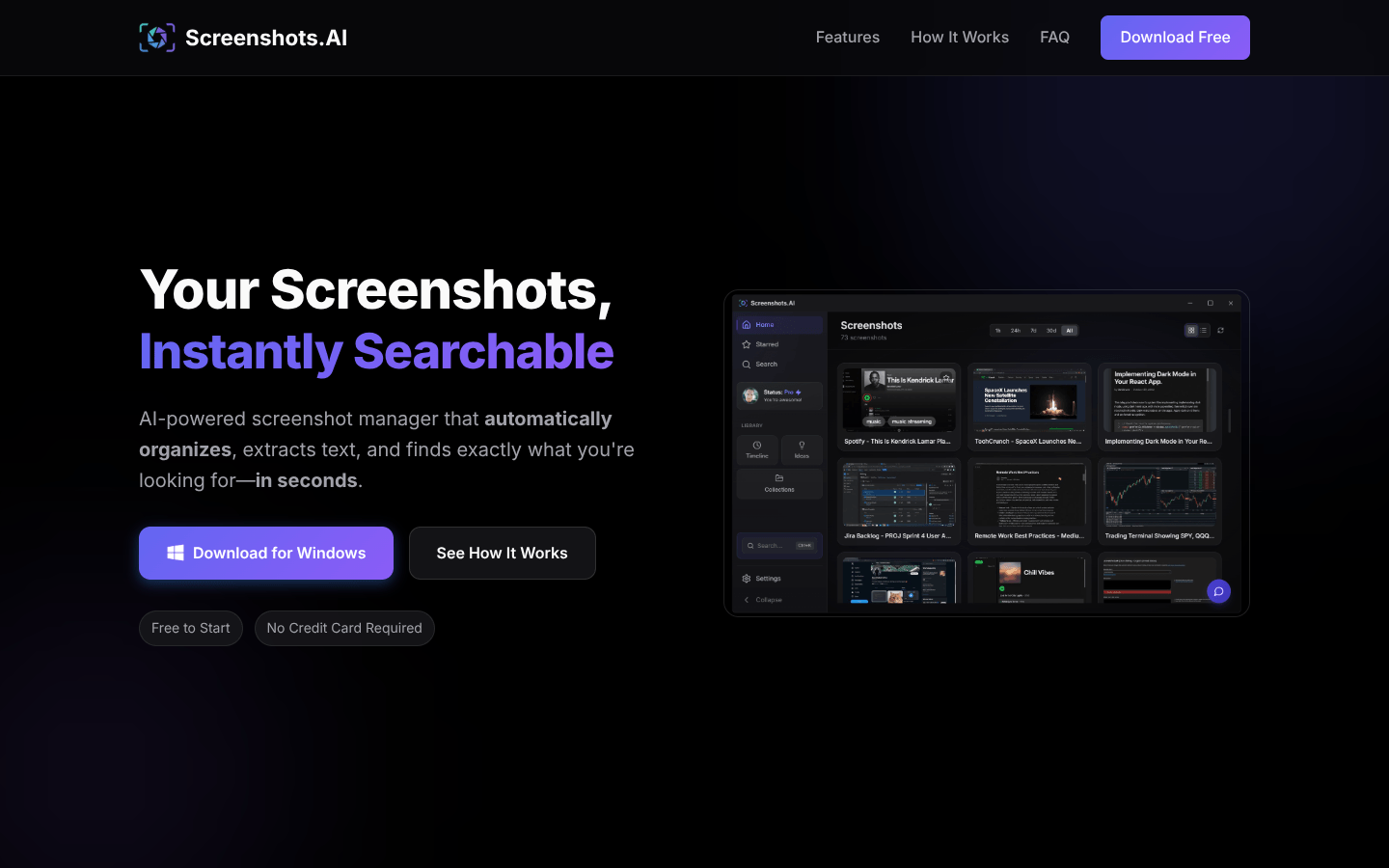
Screenshots.AI transforms your chaotic screenshot folder into a searchable visual memory system. Instead of scrolling through endless filenames, you can instantly find what you need by describing what you remember—like “blue jacket discount from last week” or “error message during deployment”. Every capture is analyzed with OCR and semantic understanding, so both on-screen text and visual context become searchable.
The desktop experience goes beyond simple storage. Screenshots.AI automatically extracts URLs from every capture, turning screenshots into clickable bookmarks you can revisit later—perfect for tracking product pages, documentation, conversations, and research. Intelligent Smart Collections group related screenshots into categories such as shopping, work projects, travel planning, and recipes, without any manual tagging or folder management.
A visual Activity Timeline reconstructs your workday, clustering screenshots into sessions with AI-generated titles like “frontend debugging” or “vacation planning”. Daily insights surface forgotten information and patterns across unrelated captures, helping you rediscover ideas at the right moment. With the integrated AI assistant, you can chat with your screenshot history, ask natural-language questions, and get summarized answers sourced directly from your own screen content.
Designed with privacy in mind, Screenshots.AI only processes images you explicitly save to your screenshots folder, keeping you in control of what gets analyzed. It’s an ideal companion for knowledge workers, researchers, founders, and anyone who relies on screenshots to remember prices, conversations, and workflows—but never wants to lose track of them again.
Tags
Product Categories
Featured Today


tiun
Payments backend for indie hackers
All-in-one: Auth, payments & DB
Single command: MCP, Skills
Built for developers.
Merchant of Record. Better fees.
Join the Microlaunch builder community
Get product updates, weekly standouts, and founder deals.